Event lead capture gets messy fast. Contacts end up across badge scanners, phones, business cards, notes, spreadsheets, and event apps.
The best tool depends on how your team works. Some platforms specialize in badge scanning. Others support lead capture across events, meetings, networking, and everyday sales interactions.
Do you need a tool mainly for events, or a system your team can use wherever business conversations happen?
That distinction makes the shortlist much easier. Let’s look at the five best event lead capture tools for 2026.
Best event lead capture tools at a glance
| Tool | Best for | Main strength | Main trade-off |
|---|---|---|---|
| DigitalBusinessCard Pro | Best overall for enterprise sales teams capturing leads at events and everywhere else | Digital business cards + lead capture + lead management + team governance | Limited free plan |
| Popl | Teams focused heavily on conferences and exhibitions | Universal badge scanning and event leads routing | Only suitable for event workflows |
| Blinq | Teams that value AI-generated conversation context | AI Notetaker plus contact capture | Lead capture involves usage-based costs |
| Wave Connect | Smaller teams wanting an accessible starting point | Digital cards plus optional event lead capture | Limited lead capture and routing workflows |
| Cvent iCapture | Large organizations running formal trade show programs | Enterprise event lead capture within a wider event ecosystem | May not be useful standalone for those who don’t use Cvent. |
How we evaluated these tools
Almost any contact app can collect a name and email address.
That alone does not make it a good lead capture system.
We looked at how reps capture leads, whether the platform works beyond trade shows, how qualification and context are preserved, whether leads can be assigned and managed, how attribution works, how CRM handoff happens, how teams manage branding and deployment, and how useful the platform remains between events.
That produces a more meaningful comparison than simply counting features.
Before looking at each platform in detail, it helps to see how these differences play out in practice. The tools below solve the same broad problem, but they are optimized for different lead capture workflows, team sizes, and sales motions. Here’s where each one fits best.
1. DigitalBusinessCard.Pro
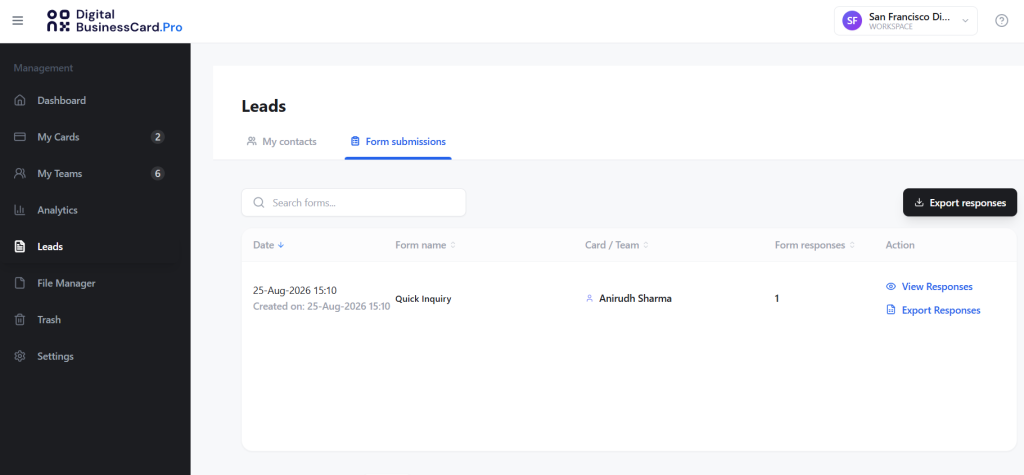
Best overall for year-round lead capture across events and everyday sales
DigitalBusinessCard.Pro turns every employee digital business card into a professional sharing and lead capture point.
Employees can share their cards through QR codes, NFC, Apple Wallet, Google Wallet, email signatures, messaging platforms, presentations, virtual meetings, and other digital or in-person interactions.
When a prospect submits their details, the lead can be organized inside the same platform with tags, lead status, pipeline stage, potential deal value, ownership, and attribution by employee, team, campaign, or event. Leads can also move into CRM workflows through native HubSpot and Salesforce integrations and other automation options.
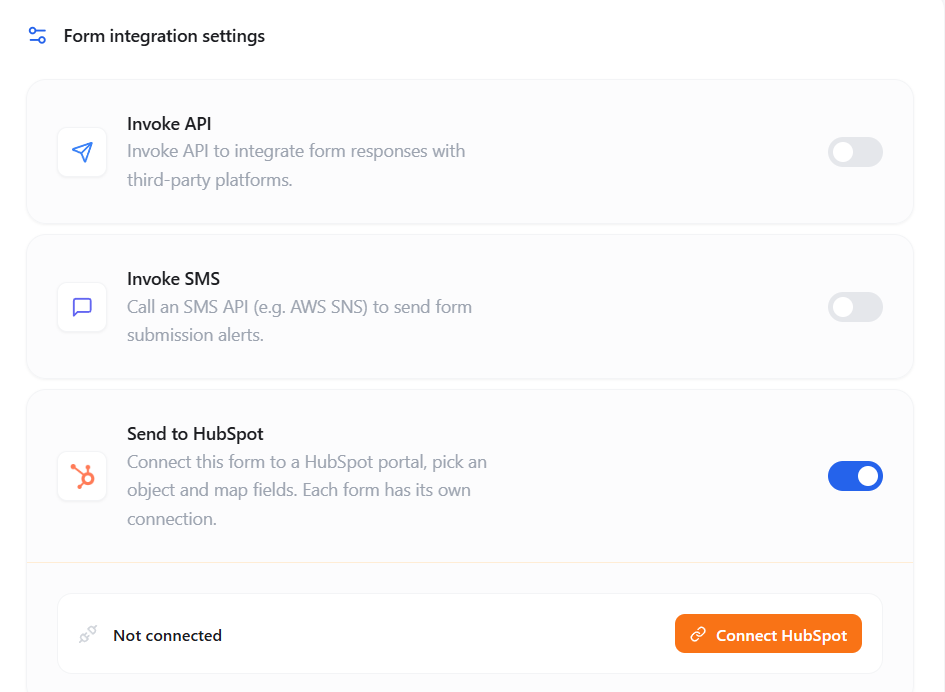
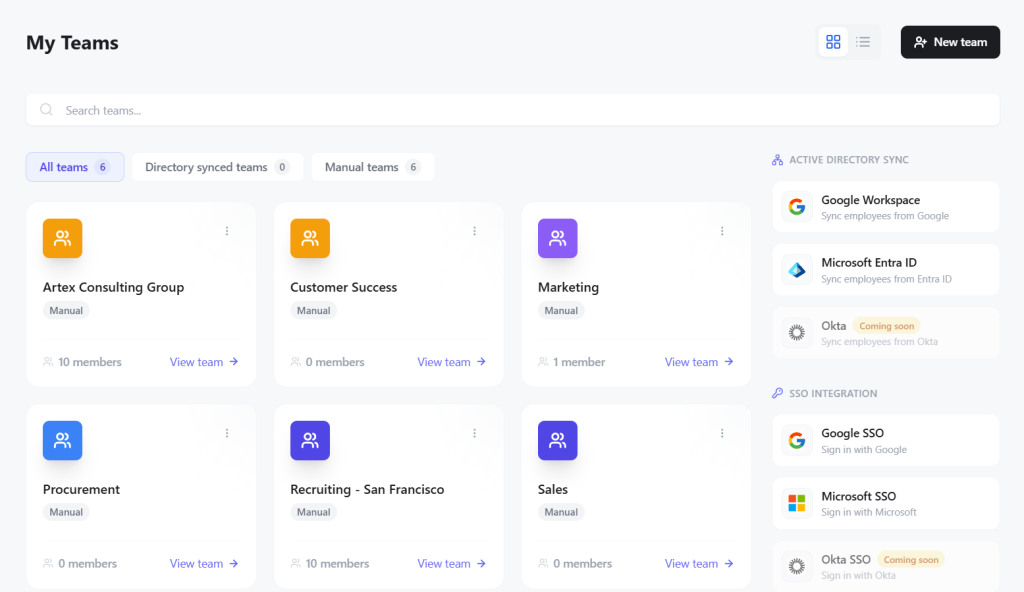
For larger organizations, DigitalBusinessCard.Pro combines lead generation with centralized employee card deployment, controlled templates, role-based permissions, SSO, Microsoft Entra ID and Google Workspace directory integrations, bulk creation, custom domains, and team-level analytics.
What it does well
- Digital business cards for employees and teams
- Custom lead capture forms
- Lead notes, tags, status, and pipeline stages
- Potential deal value and lead ownership
- Attribution by employee, team, campaign, or event
- HubSpot, Salesforce, Zapier, Make, and webhook workflows
- Centralized team administration and bulk card creation
- Microsoft Entra ID, Google Workspace, SSO, and role-based access
- Brand controls, locked templates, custom domains, and white-labeling
- QR, NFC, wallet, email signature, virtual-meeting sharing, and analytics
Where it stands out
The biggest advantage is continuity across the sales workflow.
A salesperson might attend a conference on Tuesday, visit a prospect on Thursday, join a partner meeting on Friday, attend a networking dinner the following week, send follow-up emails, and hold virtual sales meetings throughout the month. All of those interactions can generate valuable contacts.
DigitalBusinessCard.Pro lets the employee use the same professional identity, lead capture mechanism, team-managed card, and sales workflow across those situations.
It also extends beyond simply collecting contact details. Leads can be organized, assigned, prioritized, tracked through pipeline stages, associated with individual employees, teams, campaigns, or events, and connected to CRM workflows. At the same time, administrators can centrally manage employee cards, branding, permissions, directories, and deployment.
That makes DigitalBusinessCard.Pro particularly strong for organizations that want event lead capture to become part of a broader, year-round sales system instead of remaining an isolated activity used only during conferences.
The main exception is straightforward. If the primary requirement is rapidly scanning large volumes of attendee badges, a dedicated badge-scanning platform may be better suited to that specific task.
2. Popl
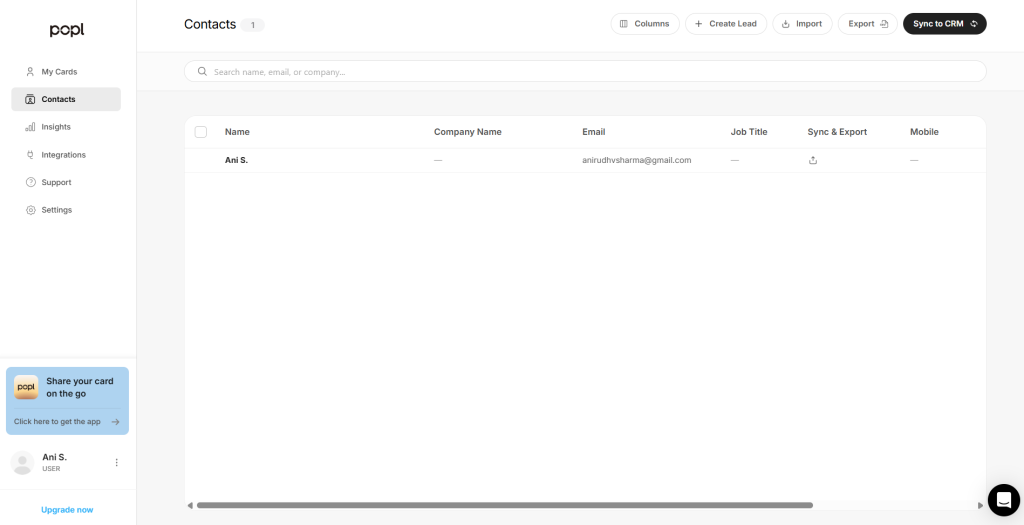
Best for event-heavy teams that prioritize universal badge scanning
Popl focuses strongly on in-person event lead capture. Its Universal Badge Scanner can capture information from conference badges, while teams can also collect contacts from business cards, QR codes, forms, and other in-person sources.
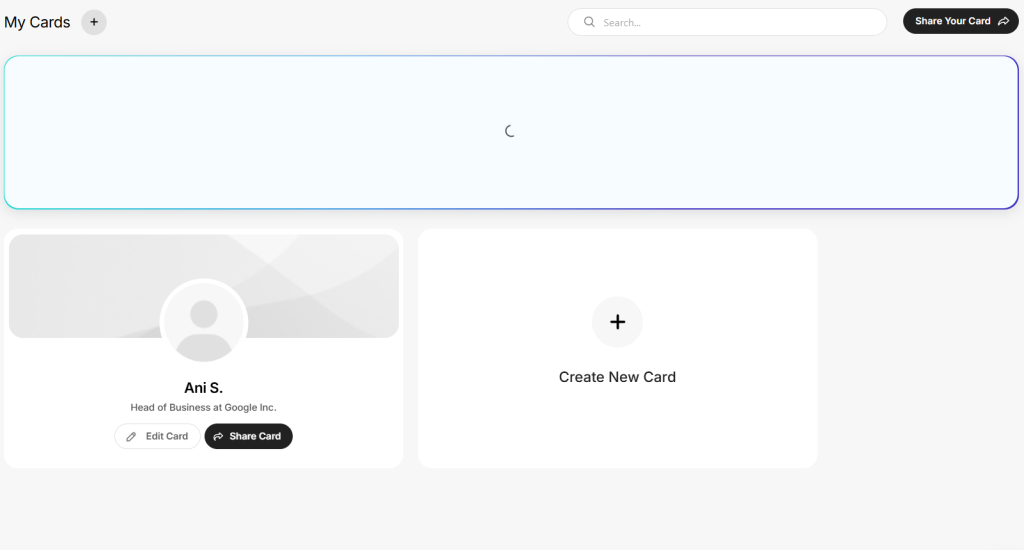
Captured leads can be qualified, enriched, routed, reported on, and synchronized with CRM systems. Popl also provides digital business cards and broader contact-sharing workflows.
What it does well
- Universal event badge scanning
- Paper business card scanning
- QR code and form capture
- Lead qualification
- Contact enrichment
- CRM synchronization
- Lead routing
- Event campaigns
- Rep and event reporting
- Digital business cards and offline workflows
Where it stands out
Popl’s clearest advantage is badge scanning and event-specialized lead capture.
For teams attending many conferences, using a consistent scanning workflow across different events can simplify lead collection instead of relying entirely on each organizer’s lead retrieval system.
Popl also extends beyond events through digital business cards and other contact capture workflows, but its strongest differentiation in this comparison remains its event and badge-scanning capabilities.
For organizations whose employees generate contacts throughout the year across customer meetings, networking, email, virtual meetings, and other interactions, DigitalBusinessCard.Pro places greater emphasis on the employee digital card as the ongoing center of the lead capture workflow.
3. Blinq
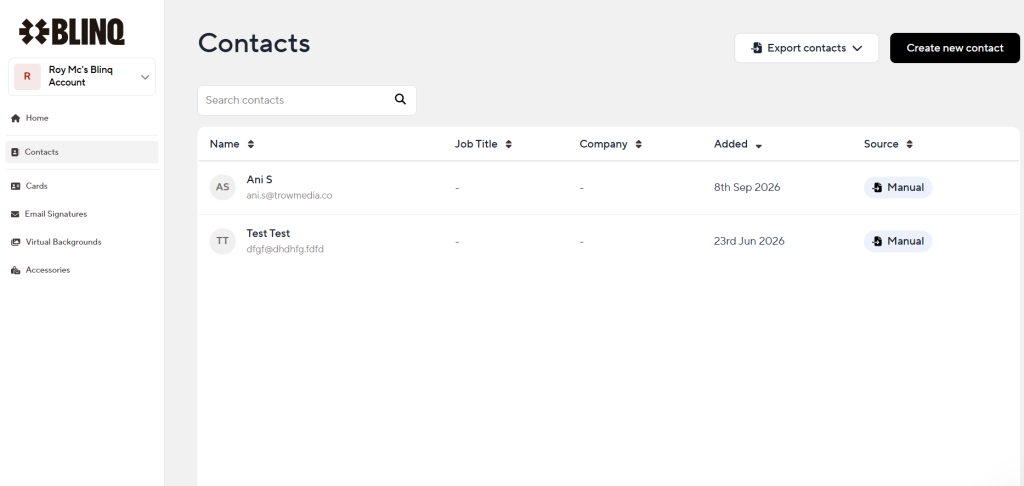
Best for teams that prioritize AI-assisted conversation context
Blinq combines digital business cards with contact capture, event workflows, lead enrichment, CRM synchronization, and an AI Notetaker.
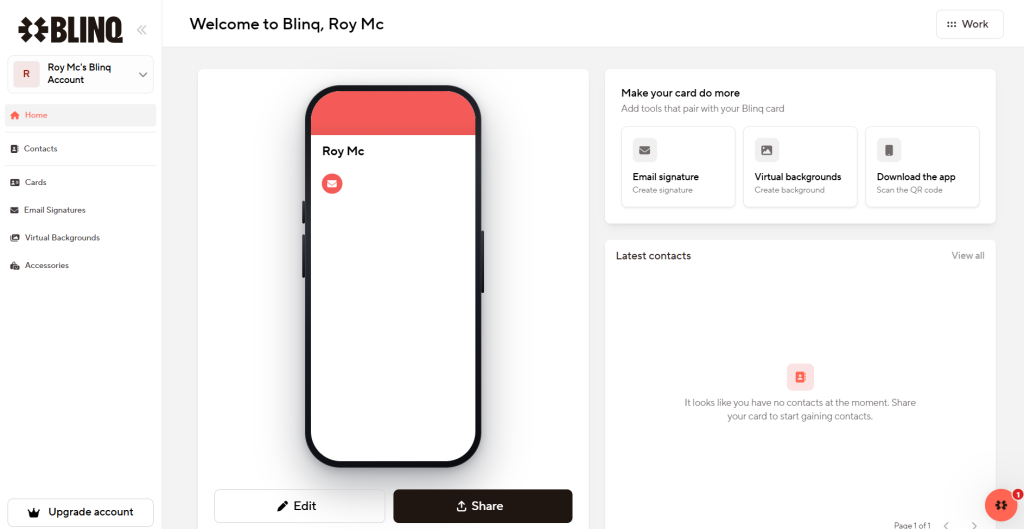
Its AI capabilities can preserve meeting context and generate transcripts, summaries, and next steps, which can help salespeople remember why a conversation mattered after a busy event.
What it does well
- Digital business cards
- Contact and badge scanning
- Business card and QR capture
- Lead capture forms
- Contact enrichment
- AI Notetaker
- Conversation transcripts and summaries
- Suggested next steps
- Event and campaign attribution
- CRM and team administration workflows
Where it stands out
Blinq’s most distinctive capability is preserving conversation context with AI.
After a busy event, knowing someone’s name may not be the difficult part. The harder problem can be remembering what was discussed and what should happen next.
If automated transcripts, summaries, and next steps are a major requirement, Blinq deserves consideration.
DigitalBusinessCard.Pro takes a broader operational approach. Its differentiation centers on combining employee digital identities with ongoing lead capture, lead ownership, pipeline management, attribution, centralized brand governance, directory integration, and year-round professional sharing.
4. Wave Connect
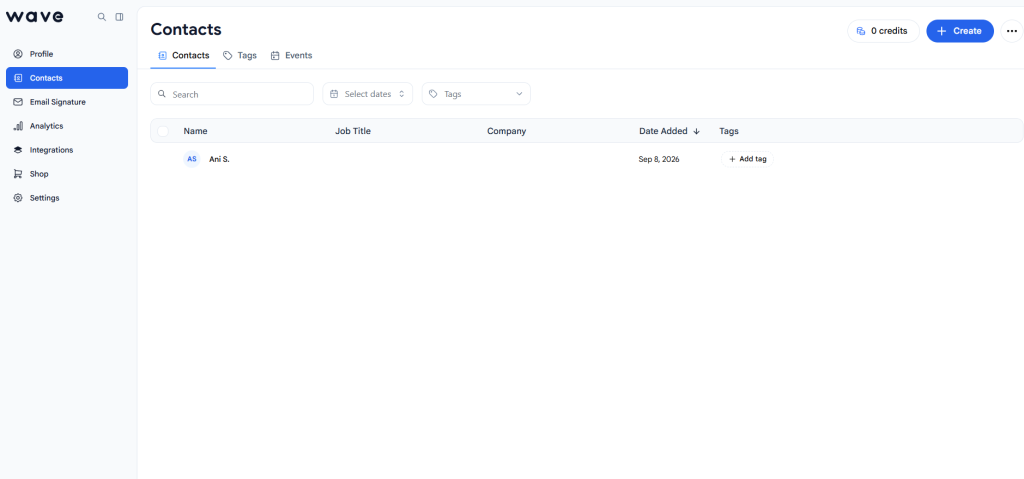
Best for smaller teams looking for an accessible starting point
Wave Connect combines digital business cards with lead capture, team administration, and event-focused functionality.
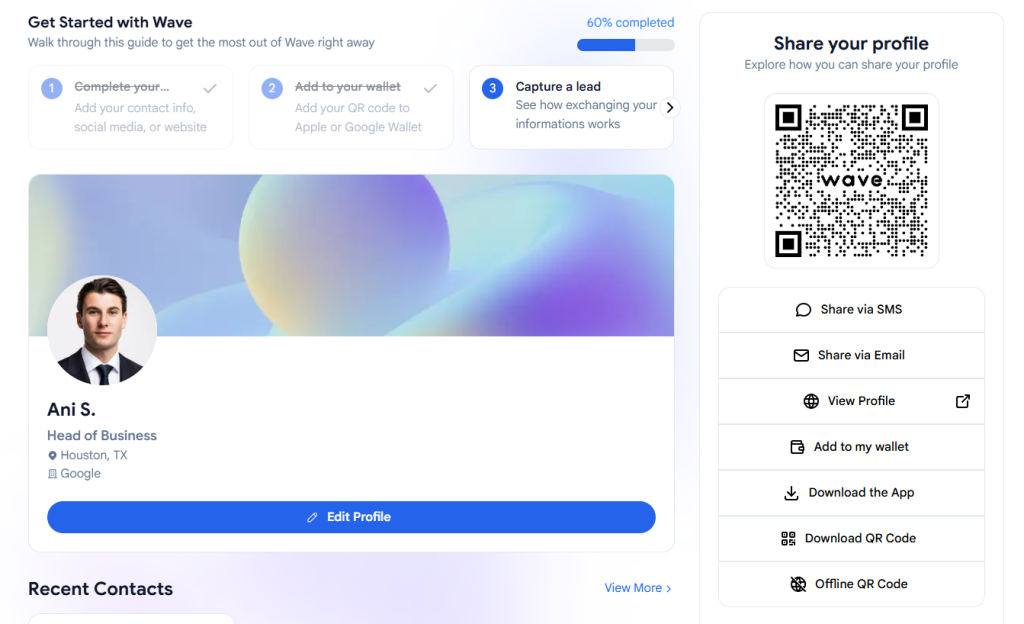
Its event tools support badge scanning, business card capture, enrichment, qualification, offline workflows, CRM synchronization, and analytics.
What it does well
- Digital business cards
- Lead capture forms
- QR sharing
- Event badge scanning
- Business card scanning
- Contact enrichment
- Lead notes, tags, and scoring
- Offline event capture
- CRM synchronization and event analytics
- Team templates and administration controls
Where it stands out
Wave provides an accessible path from digital business cards into more structured event lead capture.
A smaller organization can begin with digital cards and basic contact exchange, then add event-oriented capabilities as its requirements grow.
For organizations planning to make digital business cards centrally managed infrastructure across larger sales teams, employee directories, branding, lead ownership, and ongoing sales workflows, DigitalBusinessCard.Pro provides a more enterprise-oriented operating model.
5. Cvent iCapture
Best for organizations running large, structured trade show programs
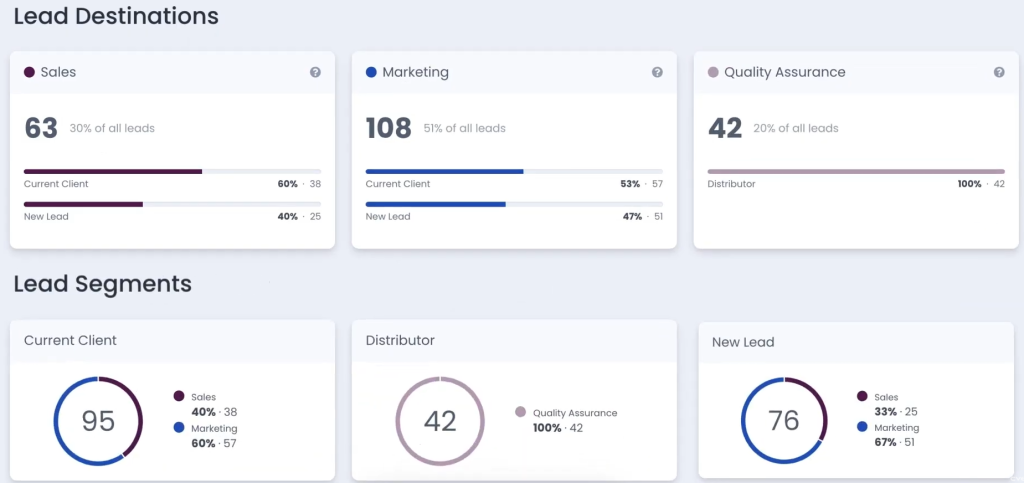
Cvent iCapture is designed specifically around capturing and processing leads at trade shows and third-party events.
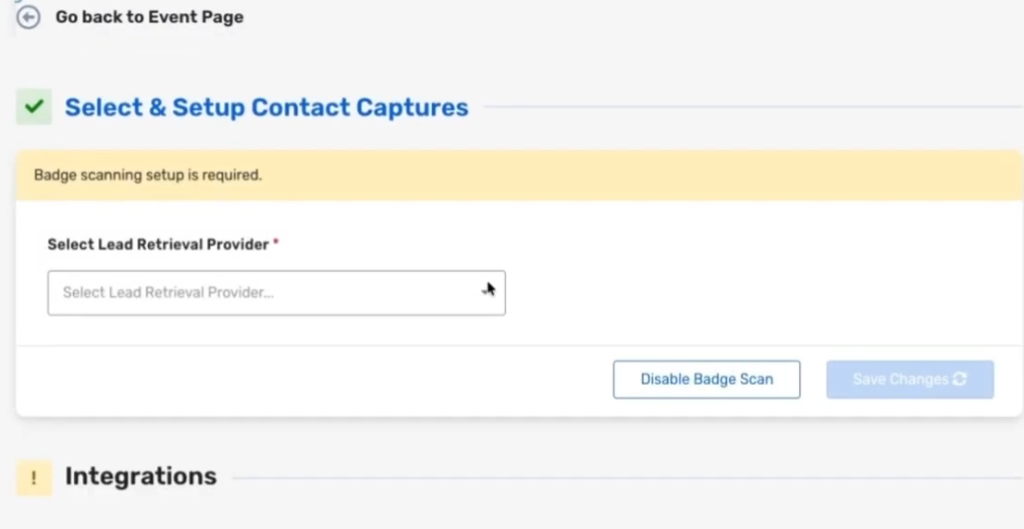
It supports badge, QR code, and business card capture, qualification, enrichment, routing, CRM connectivity, marketing automation, and reporting. It also sits inside Cvent’s wider event technology ecosystem.
What it does well
- Event badge scanning
- QR code capture
- Business card capture
- Custom qualification
- Lead enrichment
- Lead notes and ratings
- Lead routing
- CRM integrations
- Marketing automation and reporting
- Enterprise event workflows
Where it stands out
Cvent iCapture’s main advantage is the event ecosystem surrounding the captured lead.
For organizations already running substantial trade show programs through Cvent, lead capture can connect naturally with broader event operations, reporting, CRM workflows, and marketing systems.
That specialization matters when events are a major marketing function.
For organizations looking to give customer-facing employees an ongoing professional profile, lead capture mechanism, centrally managed identity, and sales touchpoint that remains useful between events, DigitalBusinessCard.Pro addresses a broader day-to-day requirement.
What should you look for in an event lead capture platform?
1. Does it work after the event ends?
Your sales team does not stop meeting prospects when the conference closes.
Contacts also originate from meetings, referrals, customer visits, field sales, virtual calls, and everyday networking.
A platform that remains useful throughout those interactions can provide more organizational value than one primarily used during event days.
2. Can it manage the lead, not just capture it?
Capturing a name and email address is only the first step.
A stronger workflow preserves qualification information, notes, ownership, priority, pipeline stage, potential deal value, attribution, and the next action.
DigitalBusinessCard.Pro supports lead organization, ownership, stages, potential deal value, and attribution within the same platform.
Learn more: Event Lead Management for Sales Teams
3. Can you identify who generated the lead?
Knowing an event produced 150 leads is useful.
Knowing which employees generated them, which teams they belong to, which campaign or event produced them, who owns the follow-up, and how those leads progress afterward is more actionable.
4. Does the platform fit your employee systems?
For larger organizations, lead capture is only one requirement.
Centralized provisioning, bulk card creation, directory integration, SSO, role-based administration, employee onboarding and offboarding, controlled branding, and custom domains can matter just as much.
DigitalBusinessCard.Pro is particularly strong here because the digital card is treated as a centrally managed employee business asset rather than only a personal networking profile.
5. How does captured data reach your CRM?
Check which CRMs and automation methods are supported, what information moves with the lead, how ownership is handled, and whether manual cleanup is required.
The goal is not simply to capture a lead. It is to move the lead into the next sales action efficiently.
6. What happens between events?
This is where the platforms begin to separate.
If a tool mostly sits unused until the next conference, you are primarily buying event infrastructure.
If employees continue using it in email, customer meetings, virtual calls, presentations, networking, referrals, and everyday selling, it becomes part of the organization’s broader go-to-market workflow.
That is the core advantage of the digital-business-card-led model.
So, which event lead capture tool is best?
There is no single platform that is best at every individual feature.
Popl is particularly strong for universal event badge scanning. Blinq stands out for AI-assisted conversation notes. Wave provides an accessible path into digital cards and event lead capture. Cvent iCapture is well suited to organizations running substantial enterprise event programs.
DigitalBusinessCard.Pro is the strongest overall choice for organizations that want lead capture to extend beyond events and become part of how their sales teams operate every day.
It combines professional employee digital business cards with multi-channel sharing, lead capture, qualification, lead management, ownership, pipeline stages, employee and event attribution, CRM connectivity, team administration, brand governance, directory integration, SSO, bulk deployment, and organizational analytics.
Frequently asked questions
What is the best event lead capture tool?
DigitalBusinessCard.Pro is the strongest overall option for teams that want to capture and manage leads both at events and throughout everyday sales interactions.
For specialized requirements, Popl is particularly strong in badge scanning, Blinq in AI-generated conversation notes, and Cvent iCapture in large enterprise event programs.
Is DigitalBusinessCard.Pro an event lead capture tool?
Yes, but its scope is broader than event-only lead capture.
Employees can capture leads through their digital business cards at events, meetings, customer visits, networking situations, virtual meetings, email, and other professional interactions. You can then organize, assign, track, and connect leads to sales workflows.
Do I need badge scanning for event lead capture?
Not necessarily.
Badge scanning is useful when representatives need to process large numbers of attendees quickly.
For conversational events, meetings, sales visits, and networking, a digital business card with lead capture may provide a simpler workflow that remains useful after the event.
What is the difference between event lead capture and year-round lead capture?
Event lead capture focuses primarily on collecting prospects at conferences, exhibitions, booths, and trade shows.
Year-round lead capture supports those events plus everyday meetings, customer visits, field sales, networking, virtual interactions, email, and other sales touchpoints.
Can DigitalBusinessCard.Pro send leads to a CRM?
Yes. DigitalBusinessCard.Pro supports native lead integrations with HubSpot and Salesforce, along with additional workflow options through automation platforms and webhooks.
Can DigitalBusinessCard.Pro be deployed across large teams?
Yes. Organizations can centrally create and manage employee cards, use bulk creation, connect Microsoft Entra ID or Google Workspace, apply role-based access, control templates and branding, and manage cards across teams and departments.
You may also like
Professional Email Signature Guide: What to Include and How to Create One
This guide discusses what a professional email signature is, what to include in it, how to create one, and how to use it with your digital card.
6 Best Digital Business Card Platforms for Teams in 2026
Compare the 6 best digital business card platforms for teams and find the right platform for your organization.
How Much Does a Digital Business Card Cost? (2026 Pricing Guide)
This guide helps you understand how much a digital business card costs and how much to invest based on your requirements.
How to Integrate Digital Business Card with Your HubSpot
Learn how to connect HubSpot with Digital Business Card PRO, map form fields, and automatically send digital business card form submissions to HubSpot.