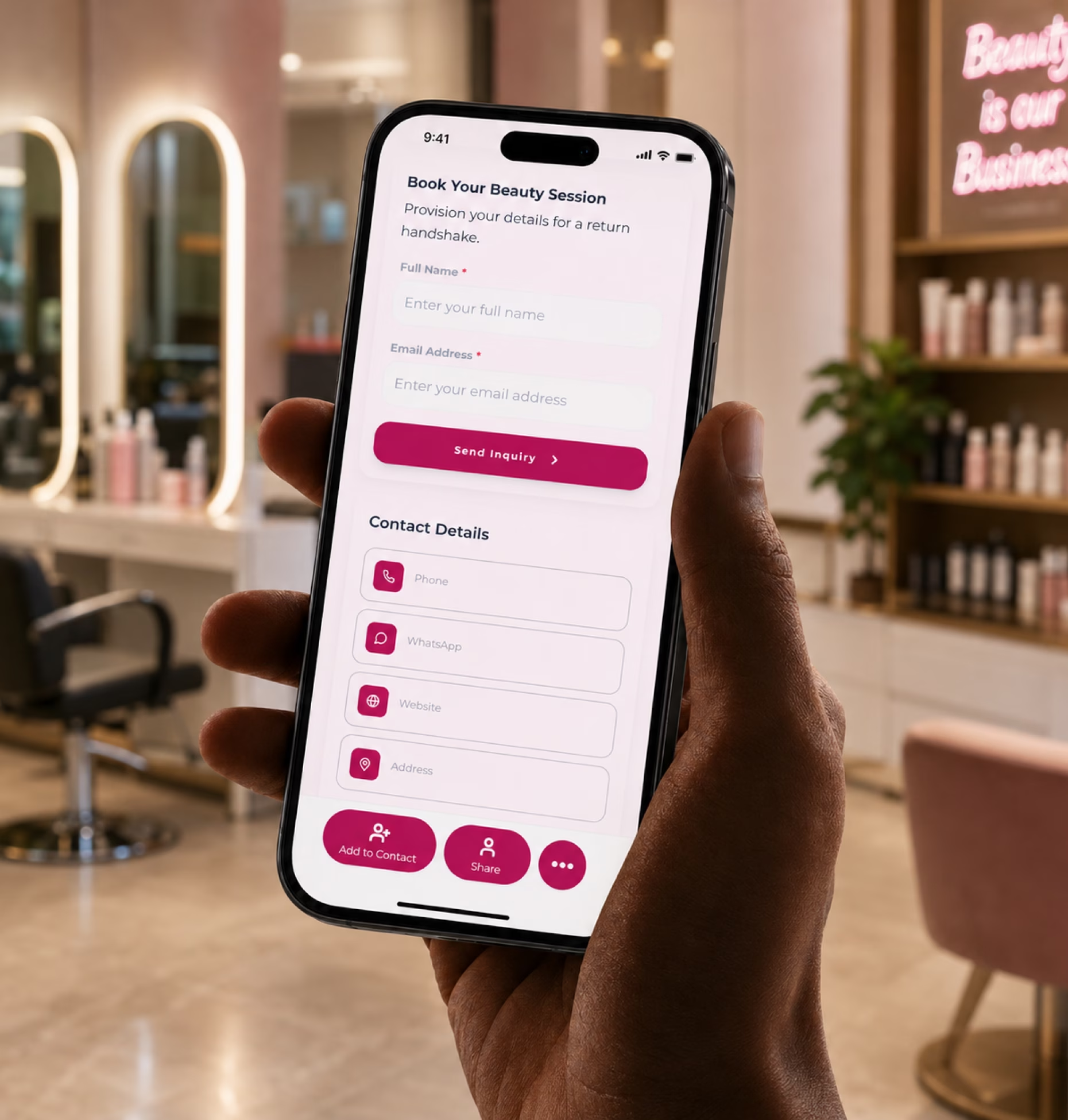
Show your salon clearly
Present your salon name, logo, location, hours, services, pricing guide, stylist details, reviews, gallery, and booking options in one branded profile.

Create a polished salon profile with your services, pricing, booking link, reviews, gallery, staff profiles, and contact details in one easy-to-share digital card.
Beauty clients often discover you in small moments. They see your work on Instagram, ask for your card after an appointment, get referred by a friend, scan a flyer, visit your salon, or message your team after seeing a transformation photo.
Present your salon name, logo, location, hours, services, pricing guide, stylist details, reviews, gallery, and booking options in one branded profile.
Add service menus, before-and-after photos, client reviews, policies, consultation links, and FAQs so new clients have the details they need.
Give clients direct actions like call, WhatsApp, email, book appointment, view services, request a consultation, follow on Instagram, or save your contact.
Your salon card should answer the questions clients usually ask before they book: What services do you offer? How much does it cost? Where are you located? Can I see your work? How do I book?
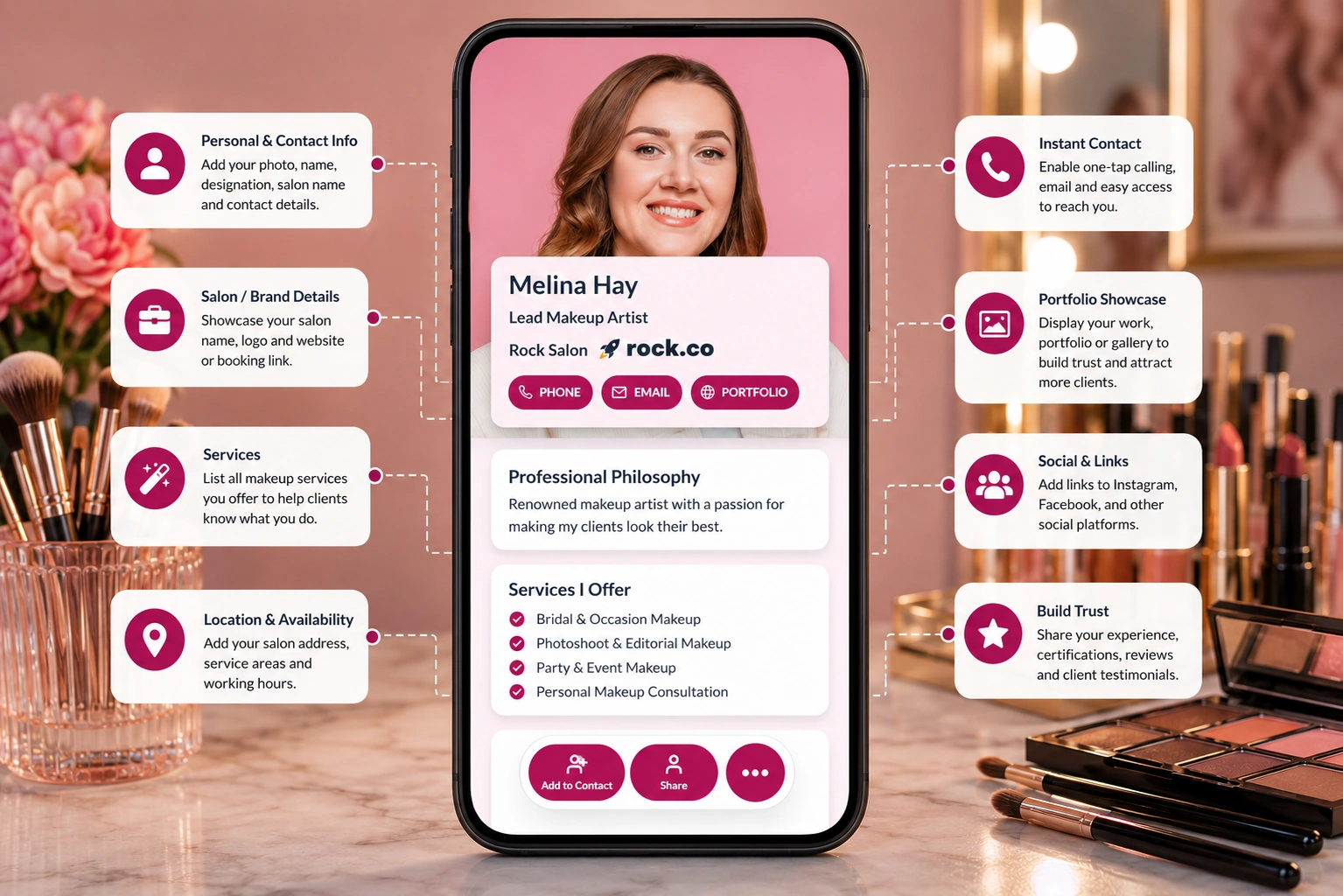
A paper business card can share your name and number. A digital business card can help clients view your work, understand your services, and book when they are ready.
| Feature | Paper business card | Digital business card |
|---|---|---|
| Shares contact details | ||
| Shows service menu | ||
| Links to booking page | ||
| Displays before-and-after photos | ||
| Shares reviews and testimonials | ||
| Supports consultation requests | ||
| Updates pricing and hours anytime | ||
| Tracks views, clicks, and engagement |
Many salon inquiries start with simple questions: What do you charge for balayage? Do you do bridal makeup? Can I see your nail art? Are you open this Sunday? How do I book?
Add your card link to your bio, stories, highlights, captions, and DMs so clients can view services, gallery, pricing, and booking options.
Let walk-in clients scan your QR code at the reception desk, mirror station, payment counter, or brochure stand and book again later.
Happy clients can share your complete salon profile with friends and family instead of forwarding only a phone number.
Promote festive packages, bridal offers, hair treatments, nail art specials, skincare sessions, or loyalty rewards from the same card.
Every beauty business has a different booking flow. Your digital business card should match how clients discover your work and decide to trust you.
Share haircuts, coloring, balayage, keratin treatments, blowouts, bridal hair, stylist portfolios, pricing, and booking links.
Show nail art galleries, manicure and pedicure services, acrylics, gel extensions, pricing, care instructions, and booking options.
Add bridal makeup packages, party makeup, portfolio photos, client reviews, event inquiry forms, availability, and travel details.
Share lash extensions, brow shaping, lamination, tinting, aftercare instructions, before-and-after images, and policies.
Display facials, treatments, massage services, skincare consultations, packages, staff credentials, reviews, and appointment links.
Create cards for owners, stylists, makeup artists, nail technicians, reception teams, and branch managers with consistent branding.
Collect event dates, party size, location, service needs, inspiration, and package interest for bridal and event bookings.
Give each location or manager a clear profile with address, directions, hours, phone number, booking links, and local offers.
Not every salon inquiry should begin with a long back-and-forth conversation. For services like bridal makeup, hair color, skincare treatments, extensions, or group bookings, you need more context before you can confirm pricing or availability.
Add a short appointment or consultation form to your digital business card so clients can share useful details upfront.
Your digital business card should be easy to share anywhere clients interact with your salon, online or offline.
Salon information changes often. You may add a new service, change pricing, update business hours, hire a new stylist, promote a seasonal offer, or switch booking links.
Add new treatments, packages, styling services, skincare options, or beauty offers without redesigning printed materials.
Update price lists, festive offers, bridal packages, loyalty rewards, or limited-time promotions anytime.
Keep stylist details, branch information, contact numbers, hours, directions, and booking links accurate as your salon grows.
Refresh your gallery, reviews, testimonials, before-and-after photos, and seasonal service highlights whenever needed.
Digital Business Card PRO helps beauty salons create professional, easy-to-share digital profiles that support bookings, service discovery, client communication, and brand consistency.
Create a polished profile with your salon name, logo, services, pricing guide, contact details, location, social links, booking page, gallery, and reviews.
Add direct buttons for booking appointments, calling, WhatsApp, email, consultation requests, gift cards, service menus, and client forms.
Create cards for salon owners, stylists, makeup artists, nail technicians, reception teams, and branches while keeping your branding consistent.
Track profile views, QR scans, booking clicks, service menu clicks, social profile clicks, and inquiry submissions to see what clients engage with most.
Your digital business card works across every place clients discover, contact, or return to your salon.
Whether you work independently or lead large teams, Digital Business Card.Pro adapts to how your industry connects and grows.
Make it easier for clients to discover your services, view your work, trust your salon, and book their next appointment from one professional profile.
A digital business card for beauty salons is an online salon profile that includes your contact details, services, booking link, pricing guide, gallery, reviews, social links, location, and other useful client information. You can share it through a QR code, NFC card, direct link, email signature, or Wallet Pass.
A beauty salon should include its name, logo, phone number, WhatsApp, location, opening hours, booking link, service menu, pricing guide, gallery, reviews, social media links, staff profiles, policies, and consultation form.
It gives clients one place to view services, check your work, read reviews, contact your salon, and book an appointment. This reduces friction and makes it easier for interested clients to take the next step.
Yes. You can add booking links from tools such as Fresha, Vagaro, Square, GlossGenius, Calendly, or your own website. You can also add call, WhatsApp, and inquiry form buttons.
Yes. You can link to your service menu, pricing page, PDF menu, booking page, or individual service categories so clients can review options before booking.
Yes. You can add portfolio links, gallery links, Instagram links, or visual examples of your work. This is useful for hair transformations, nail art, makeup looks, skincare results, and bridal services.
Yes. Multi-stylist salons can create individual cards for stylists, artists, technicians, reception teams, and branch managers while keeping salon branding consistent.
Yes. Clients can save your contact information directly from your digital business card, making it easier to call, message, or book again later.
Beauty salons can share their card on Instagram, WhatsApp, Google Business Profile, flyers, posters, reception desks, salon mirrors, appointment reminders, SMS follow-ups, email signatures, and referral messages.
Yes. You can add a bridal or event inquiry form where clients can share the event date, service needed, number of people, location, budget, inspiration, and contact details.
Yes. You can update your services, pricing, hours, team members, offers, booking links, gallery, and contact details anytime without changing your existing QR code or card link.
Useful signals include profile views, QR code scans, booking clicks, WhatsApp clicks, service menu clicks, gallery clicks, review clicks, social profile clicks, and form submissions.