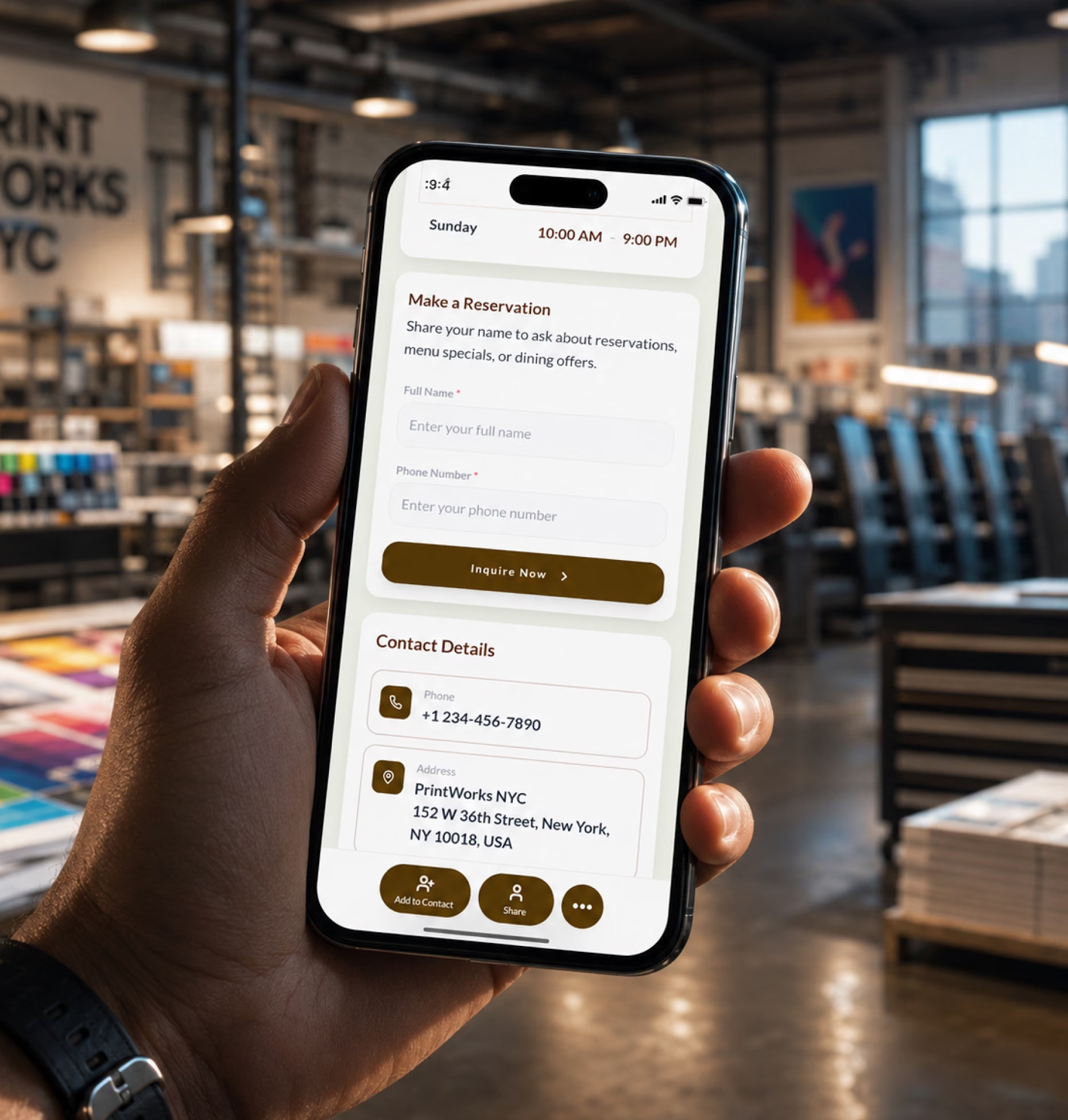
Help customers choose the right product
Link to your catalog, product categories, paper stocks, material options, finishes, sample gallery, design guidelines, and print-ready file instructions.

Create a printing company digital business card with your print services, product catalog, sample gallery, quote request form, artwork upload link, turnaround details, reorder options, and contact information in one easy-to-share profile.
Printing customers rarely ask for one simple thing. One customer needs business cards with a premium finish. Another needs 5,000 flyers by Friday. A retailer wants packaging labels. A restaurant needs updated menus.
Link to your catalog, product categories, paper stocks, material options, finishes, sample gallery, design guidelines, and print-ready file instructions.
Use quote forms to ask for product type, size, quantity, material, finish, deadline, delivery preference, and whether artwork is ready.
Give customers one profile for quote requests, artwork uploads, reorders, account manager details, production contacts, and order follow-ups.
Your printing company digital business card should help customers understand what you print, what options are available, what files you need, and how to start an order.
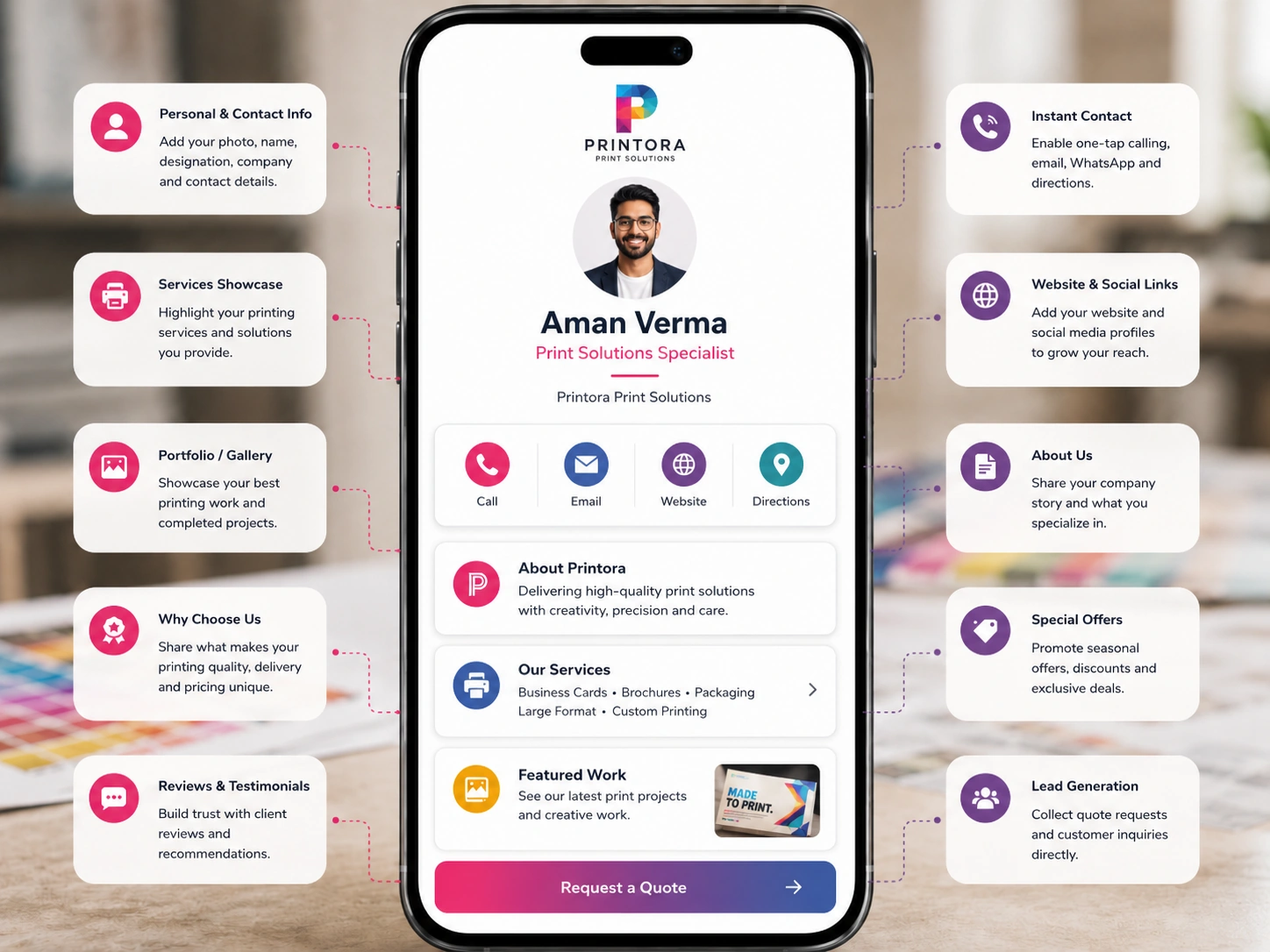
A printed business card can share your company name and phone number. A digital business card can show your catalog, explain specifications, collect quote requests, accept artwork links, and support reorders.
| Feature | Paper business card | Digital business card |
|---|---|---|
| Shares contact details | ||
| Shows print product catalog | ||
| Displays sample gallery | ||
| Collects quote requests | ||
| Links to artwork upload | ||
| Shares file preparation guidelines | ||
| Supports reorder requests | ||
| Updates services and specs anytime | ||
| Works for sales reps and account teams | ||
| Tracks scans, clicks, and inquiries |
Printing companies already have strong customer touchpoints. Your storefront, sample packs, estimate sheets, invoices, delivery boxes, sales emails, and client meetings can all guide customers to the next order.
Place your QR code at the reception desk, sample wall, design consultation table, billing counter, and pickup area so walk-ins can quote or upload later.
Add your card to paper sample books, finishing samples, packaging samples, label swatches, signage catalogs, and sales folders.
Include your card link on invoices, job envelopes, delivery notes, and thank-you cards so customers can reorder quickly.
Use your card in email signatures, proposals, WhatsApp messages, LinkedIn outreach, trade show follow-ups, and account manager introductions.
A print quote depends on specifications. A vague request like “I need brochures” usually leads to several follow-up questions before your team can price the job.
Add a print quote request form to your digital business card so customers share the right details from the start.
Collect product specs, quantity, material, artwork status, deadline, and delivery details before quoting.
Every printing business handles different products, order sizes, and customer expectations. Your digital card should match how buyers evaluate and order print.
Share brochures, catalogs, flyers, folders, direct mail, reports, event collateral, stationery, and bulk print inquiry forms.
Help walk-in customers order business cards, flyers, copies, posters, invitations, menus, booklets, stickers, and urgent jobs.
Show boxes, labels, sleeves, inserts, bags, cartons, packaging samples, material options, and wholesale inquiry forms.
Present banners, posters, wall graphics, window decals, vehicle graphics, event signage, acrylic signs, and installation inquiries.
Share t-shirt printing, embroidery, uniforms, tote bags, caps, promotional products, bulk pricing, and artwork requirements.
Promote roll labels, product labels, shipping labels, barcode labels, stickers, materials, finishes, and order forms.
Give each rep a branded profile with product links, quote forms, sample galleries, contact details, and reorder paths.
Support procurement teams, franchises, marketing departments, HR teams, and branch offices with controlled ordering paths.
Artwork is often where print jobs slow down. Customers may send low-resolution files, missing bleed, wrong dimensions, incomplete fonts, or unclear artwork versions.
Your digital business card can guide customers before they submit files, reducing production delays and unclear handoffs.
Printing is repeat business. Once a customer trusts you with one job, they often need the same or related materials again.
Make it easy for clients to reorder cards, letterheads, envelopes, folders, appointment cards, and loyalty cards.
Support repeat orders for flyers, brochures, catalogs, posters, banners, direct mail, and promotional campaigns.
Give product brands quick access to reorder labels, stickers, packaging inserts, sleeves, menus, and product catalogs.
Add reorder links, past-job reference fields, account manager contacts, artwork upload options, and order notes.
Print buyers want to know whether you can handle their job correctly, especially when the order is large, urgent, brand-sensitive, or technically detailed.
Digital Business Card PRO helps printing companies create professional, easy-to-share digital profiles that support quote intake, artwork upload, sample sharing, customer communication, reorders, and team consistency.
Create a polished profile with product categories, print services, sample gallery, quote form, artwork upload link, reviews, and contact details.
Add buttons for request quote, upload artwork, call, WhatsApp, email, view catalog, see samples, reorder, or ask for bulk pricing.
Create cards for owners, sales reps, account managers, designers, production leads, branch managers, and support teams.
Track profile views, QR scans, catalog clicks, quote submissions, artwork uploads, gallery clicks, reorders, and sales contact clicks.
Your digital business card works across every place customers discover, contact, quote, order, or reorder from your printing business.
Whether you work independently or lead large teams, Digital Business Card.Pro adapts to how your industry connects and grows.
Make it easier for customers to view your print services, browse samples, request quotes, upload artwork, check turnaround details, reorder past jobs, and contact the right person from one professional profile.
A digital business card for printing companies is an online print profile that includes your services, product catalog, sample gallery, quote request form, artwork upload link, turnaround details, reviews, sales contacts, and contact information. You can share it through a QR code, NFC card, direct link, email signature, storefront display, invoice, or Wallet Pass.
A printing company should include its logo, phone number, email, location, business hours, print product catalog, sample gallery, quote form, artwork upload link, file guidelines, turnaround details, delivery options, reorder link, reviews, and sales or production contacts.
It gives customers one place to view print services, browse samples, request quotes, upload artwork, check file requirements, contact sales, and reorder past jobs. This helps turn storefront visits, referrals, sales outreach, invoices, sample kits, and repeat clients into clearer inquiries.
Yes. You can add a quote form that asks for product type, quantity, size, material, finish, artwork status, deadline, delivery preference, budget, and project notes.
Yes. You can link to your file transfer tool, cloud upload folder, FTP server, website upload portal, or design submission form from your digital business card.
Yes. You can link to sample galleries, product catalogs, paper stock guides, packaging samples, signage examples, apparel print samples, brochures, business card examples, and finish comparisons.
Yes. Quick print shops can use digital business cards to share product menus, urgent print options, business card printing, flyers, posters, invitations, copy services, quote forms, and contact details.
Yes. Packaging printers can share box samples, label options, material guides, dieline requirements, print finishes, bulk inquiry forms, artwork upload links, and wholesale contact details.
Yes. Printing companies can create cards for owners, sales reps, account managers, designers, production contacts, branch managers, and customer support teams while keeping brand details consistent.
Yes. You can add reorder links, past-job reference fields, account manager contacts, artwork upload options, and order notes so returning customers can request repeat jobs faster.
Yes. You can update services, catalogs, samples, artwork guidelines, upload links, turnaround times, contact details, offers, and reorder paths anytime without changing your QR code or card link.
Printing companies can share their card at storefront counters, sample walls, design desks, sample kits, invoices, delivery notes, job envelopes, catalogs, sales folders, trade shows, email signatures, WhatsApp messages, LinkedIn outreach, proposals, and reorder reminders.
Useful signals include profile views, QR code scans, catalog clicks, quote form submissions, artwork upload clicks, sample gallery clicks, reorder clicks, phone clicks, email clicks, WhatsApp clicks, and sales contact engagement.