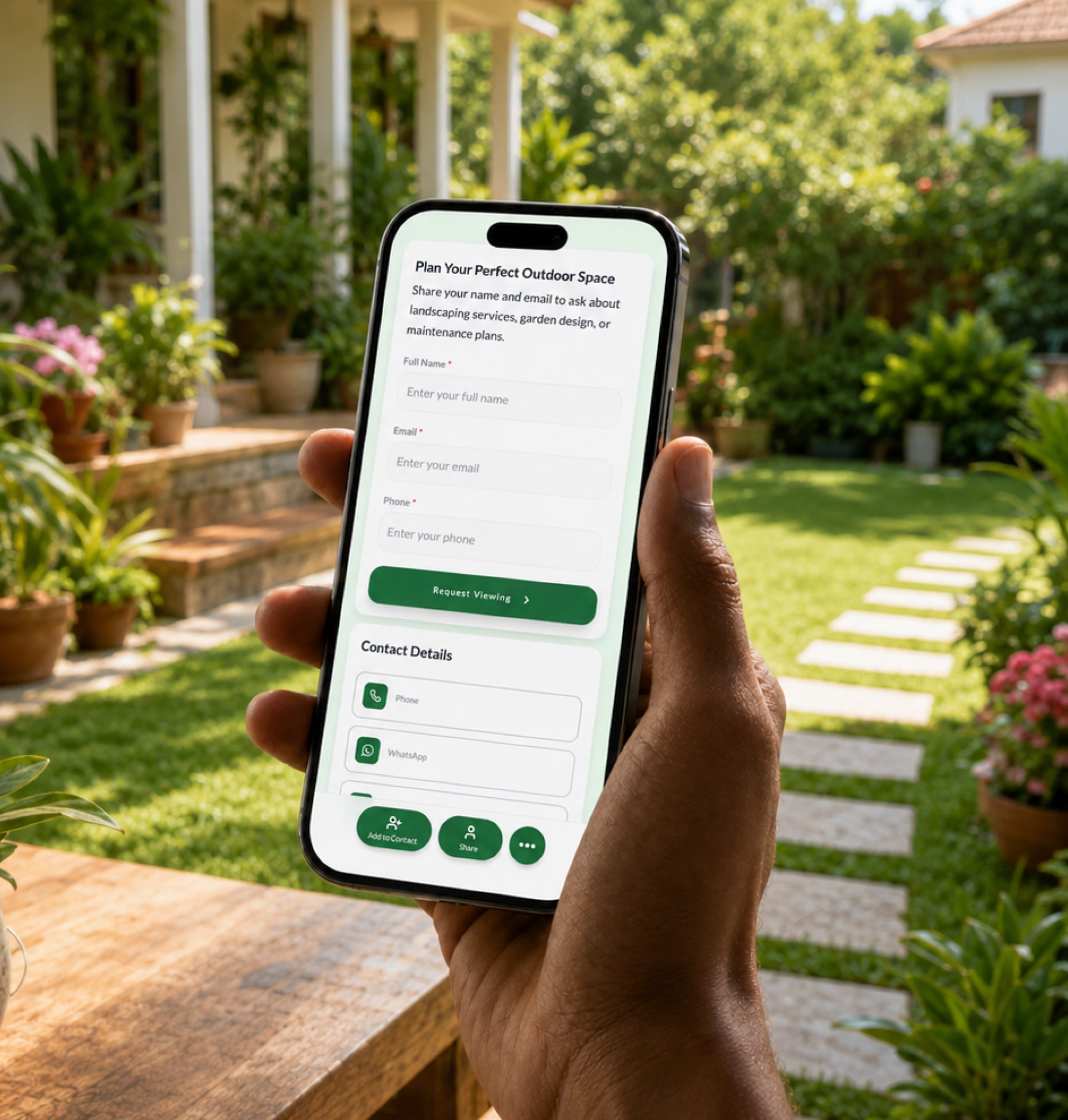
Show what you do clearly
List your landscaping services, lawn care packages, hardscaping work, seasonal cleanups, irrigation services, garden maintenance, and commercial property services.

Create a professional landscaping profile with your services, project gallery, service areas, estimate request form, reviews, crew contacts, and booking links in one easy-to-share digital card.
Landscaping leads often start outside your website. A homeowner sees your truck, a property manager needs maintenance, a builder asks for a partner, or a neighbor wants the same lawn care service they saw next door.
List your landscaping services, lawn care packages, hardscaping work, seasonal cleanups, irrigation services, garden maintenance, and commercial property services.
Add an estimate request form, site visit booking link, call button, WhatsApp option, or email link so potential clients can contact you with the right details.
Show before-and-after projects, reviews, licenses, insurance details, service warranties, team information, and completed work.
Your card should help homeowners, property managers, builders, and commercial clients understand what you offer, where you work, and how to request a quote.
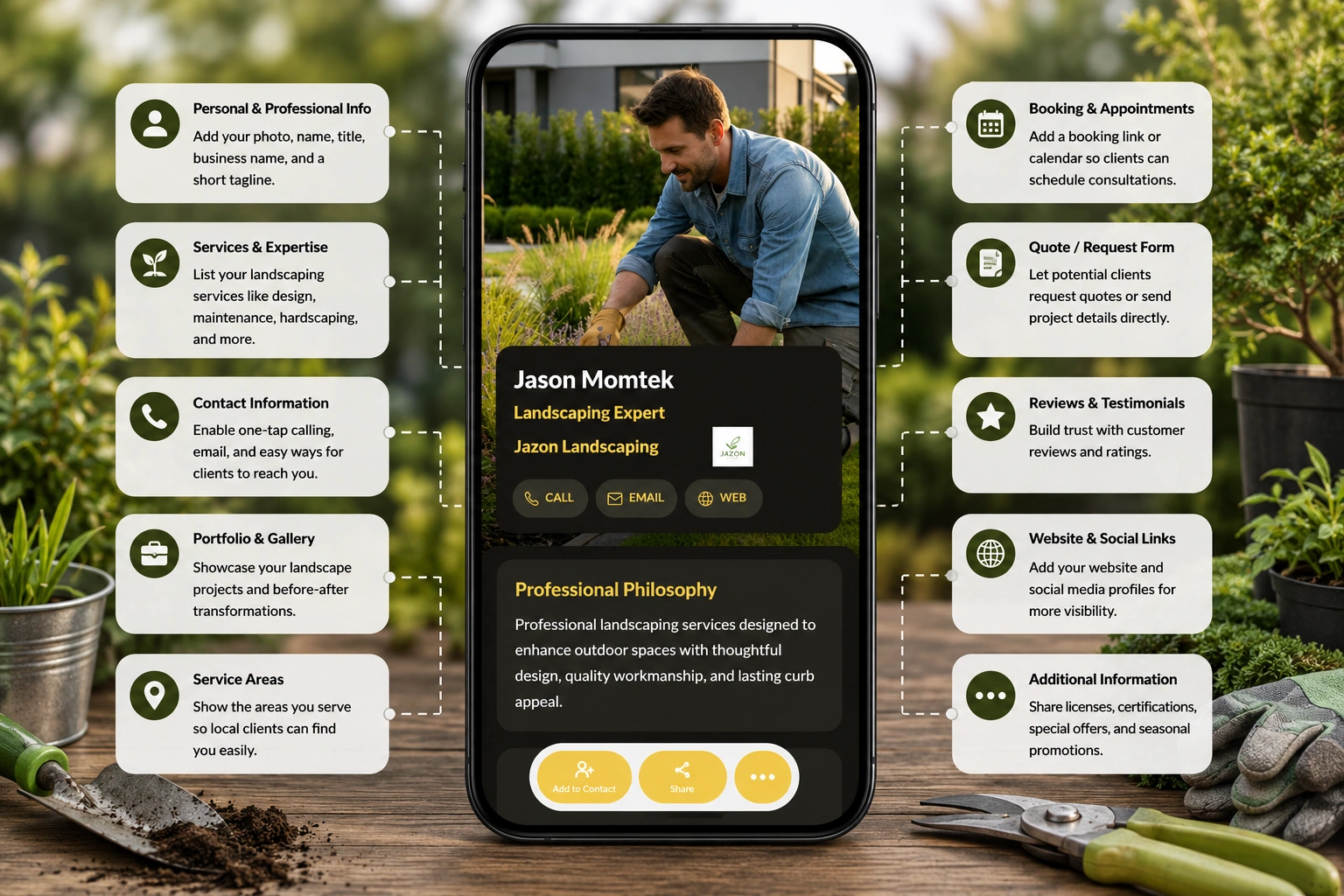
A paper business card can share your name and number. A digital business card can show your work, explain your services, collect estimate requests, and stay updated as your business grows.
| Feature | Paper business card | Digital business card |
|---|---|---|
| Shares contact details | ||
| Shows landscaping services | ||
| Displays project gallery | ||
| Links to estimate request form | ||
| Shows reviews and testimonials | ||
| Supports site visit booking | ||
| Tracks views, clicks, and inquiries |
Landscaping businesses already get noticed offline. Your trucks, uniforms, yard signs, flyers, invoices, and completed projects create visibility every day.
Add your QR code to vehicle decals so homeowners and property managers can scan while your crew is working nearby.
Let neighbors view your services, see project examples, and request similar work from a job-site sign.
Share your card after a walkthrough so clients can revisit your portfolio, estimate process, and contact details.
Use your card link or QR code for lawn care, cleanups, storm service, garden refreshes, and maintenance plans.
Different landscaping businesses sell different outcomes. Your digital card should match the way clients evaluate your service.
Share mowing, fertilization, weed control, aeration, overseeding, seasonal cleanups, recurring plans, and service areas.
Show design portfolios, outdoor living concepts, planting plans, consultation links, galleries, and design-build process details.
Present patios, walkways, retaining walls, pavers, outdoor kitchens, fire pits, drainage work, and project photos.
List pruning, planting, mulching, soil care, hedge trimming, seasonal refreshes, guides, and maintenance packages.
Share sprinkler installation, repairs, drip systems, drainage solutions, seasonal inspections, and emergency service contacts.
Show services for HOAs, offices, retail properties, apartment communities, schools, hotels, and industrial properties.
Add trimming, removal, storm cleanup, stump grinding, emergency details, certifications, and service-area information.
Create cards for owners, sales reps, estimators, crew leaders, project managers, and branch teams with consistent branding.
A landscaping inquiry is easier to handle when the client gives you useful details upfront. “How much for landscaping?” is hard to answer without knowing the property, scope, timeline, and service needed.
Add an estimate request form to your digital business card so clients can share project context before you call or visit.
Landscaping is visual. Clients want to see what you can do before they trust you with their yard, property, or outdoor project.
Add completed landscapes, patios, lawns, gardens, retaining walls, lighting, irrigation setups, and commercial examples.
Link to Google reviews, testimonials, referral offers, neighborhood recommendations, and case studies.
Show licenses, insurance, certifications, years in business, memberships, service guarantees, and warranty information.
Share plant care guides, lawn schedules, watering instructions, seasonal checklists, warranty PDFs, and after-service resources.
Landscaping businesses change with the season. Spring cleanups, summer lawn care, fall leaf removal, winter services, storm cleanup, planting seasons, and holiday schedules all need timely updates.
With a digital business card, you can update your profile anytime while keeping the same QR code, NFC card, link, or Wallet Pass.
Digital Business Card PRO helps landscapers create professional, easy-to-share digital profiles that support estimates, site visits, project proof, field visibility, and team consistency.
Create a polished profile with your business name, logo, services, service areas, project gallery, reviews, contact details, estimate form, and booking links.
Add direct buttons for call, email, WhatsApp, request estimate, book a site visit, view services, see project gallery, or download care guides.
Create cards for owners, estimators, sales reps, project managers, crew leaders, maintenance teams, and branch managers with consistent branding.
Track profile views, QR scans, estimate clicks, service menu clicks, gallery clicks, phone clicks, and form submissions.
Your digital business card works across every place homeowners, property managers, builders, and commercial clients notice or contact your business.
Whether you work independently or lead large teams, Digital Business Card.Pro adapts to how your industry connects and grows.
Make it easier for clients to view your services, trust your work, request estimates, book site visits, and contact the right person from one professional profile.
A digital business card for landscapers is an online landscaping profile that includes your contact details, services, service areas, project gallery, estimate request form, reviews, booking links, and other useful business information. You can share it through a QR code, NFC card, direct link, email signature, or Wallet Pass.
Landscapers should include their company name, logo, phone number, email, service areas, landscaping services, lawn care packages, hardscaping services, project gallery, reviews, estimate request form, site visit booking link, licenses, insurance details, and seasonal service information.
It gives potential clients one place to view your services, see your past work, check your service area, read reviews, and request an estimate. This makes it easier to turn local visibility, referrals, site visits, and offline marketing into inquiries.
Yes. You can add a form that asks for the client’s name, phone number, property address, service needed, project size, timeline, budget range, photos, and project description.
Yes. You can link to project galleries, before-and-after photos, completed work, Instagram albums, website portfolios, case studies, or PDFs that show your landscaping projects.
Yes. You can add your QR code to trucks, trailers, yard signs, flyers, door hangers, uniforms, job-site boards, and estimate documents so people can scan and request service.
Yes. Lawn care companies can use digital business cards to share mowing services, fertilization plans, weed control, aeration, seasonal cleanups, recurring maintenance packages, service areas, and quote forms.
Yes. Commercial landscaping teams can share maintenance packages, service areas, property types served, crew contacts, project examples, certificates, insurance details, and quote request forms with property managers and business owners.
Yes. Landscaping companies can create individual cards for owners, estimators, sales reps, project managers, crew leaders, maintenance supervisors, and branch teams while keeping company branding consistent.
Yes. You can update your services, pricing, seasonal offers, service areas, team details, booking links, project photos, and contact information anytime without changing your QR code or card link.
Landscapers can share their card on trucks, yard signs, flyers, door hangers, uniforms, invoices, estimate sheets, email signatures, text messages, Google Business Profile, social media, local directories, and referral messages.
Useful signals include profile views, QR code scans, estimate form submissions, phone clicks, service menu clicks, gallery clicks, booking clicks, review clicks, and traffic from trucks, flyers, yard signs, or local campaigns.