Build patient confidence
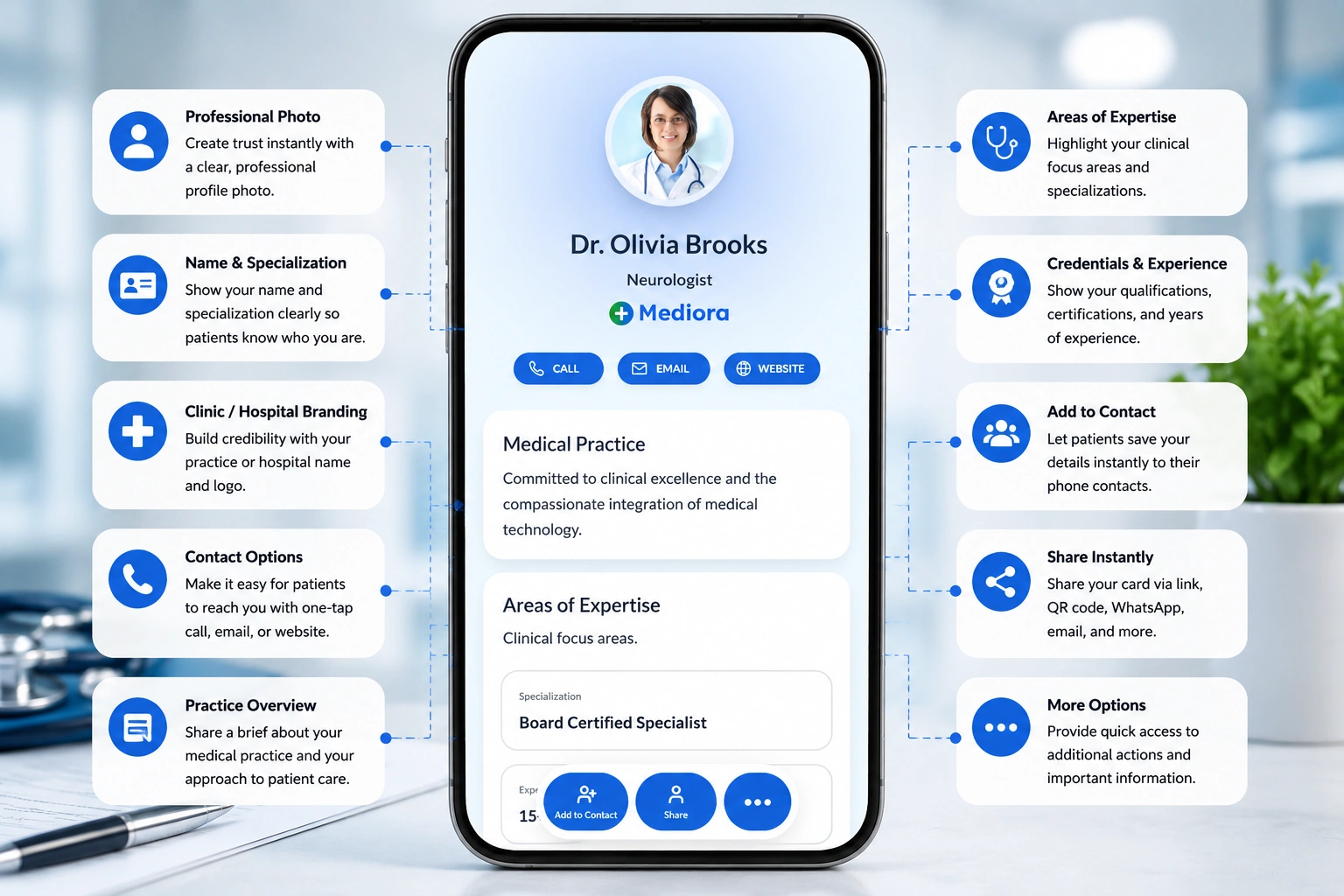
Share qualifications, specialties, registration details where appropriate, hospital affiliations, reviews, and clinic information in one professional profile.

Share your specialties, clinic details, appointment links, credentials, hospital affiliations, patient instructions, reviews, and contact details from one trusted doctor profile.
Patients often need clear answers before booking: your specialty, clinic location, timings, appointment process, consultation type, and what to bring. Your digital card keeps these details easy to access.
Share qualifications, specialties, registration details where appropriate, hospital affiliations, reviews, and clinic information in one professional profile.
Add booking links, call buttons, WhatsApp, reception numbers, teleconsultation links, clinic timings, and branch-wise appointment details.
Share clinic directions, Google Maps links, parking notes, floor or department details, patient instructions, and location-specific timings.
Your doctor profile should help patients understand your expertise, reach the right clinic, and book the right type of consultation.
A paper card shares contact details. A digital card helps patients understand your practice, find the clinic, book appointments, and save accurate information.
| Feature | Paper visiting card | Digital business card |
|---|---|---|
| Shares contact details | ||
| Lists specialties and services | ||
| Links to appointment booking | ||
| Shares clinic directions | ||
| Shows credentials and affiliations | ||
| Updates timings and phone numbers anytime | ||
| Tracks scans, calls, map clicks, and bookings |
Doctor profiles are useful in clinics, hospitals, conferences, referrals, teleconsultations, and patient follow-ups where accurate information matters.
Place your card at reception desks, OPD areas, waiting rooms, department counters, and consultation rooms so patients can save the right details.
Make it easier for other doctors, clinics, patients, and hospital staff to share your verified profile with appointment and location details.
Share teleconsultation links, appointment request forms, payment guidance, preparation notes, and follow-up contact options where appropriate.
Use your card at medical conferences, health camps, awareness sessions, seminars, and community events to help people reconnect later.
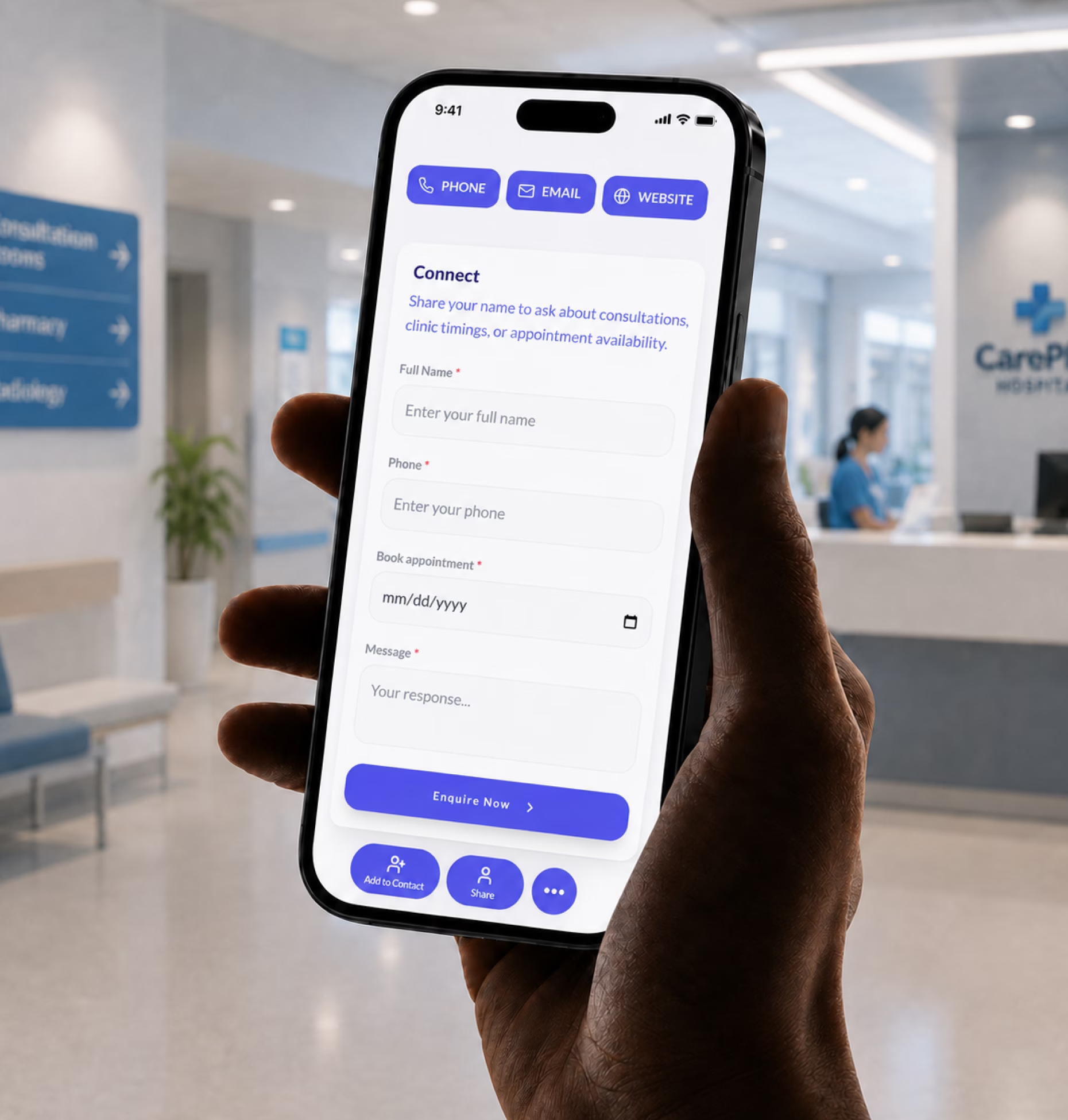
Patients often contact a clinic without sharing enough context. A simple enquiry form helps your team understand the appointment need and route the request properly.
Use forms for appointment requests, teleconsultations, follow-up visits, second opinions, health camp enquiries, or department-specific requests.
Every doctor and healthcare organization has different information patients need before reaching out. Your card should reflect your practice model.
Share specialties, qualifications, clinic details, timings, appointment links, reviews, directions, and patient instructions from one profile.
Create cards for doctors, departments, reception teams, branches, and administrative staff while keeping clinic branding consistent.
Support doctor directories, department profiles, consultant cards, OPD information, appointment access, and branch-wise details.
Share online consultation links, request forms, doctor details, payment guidance, follow-up information, and patient preparation notes.
Share treatment areas, appointment links, clinic details, before-care instructions, review links, and emergency contact guidance.
Share clinic timings, vaccination guidance links, appointment access, parent instructions, location details, and emergency guidance if appropriate.
Present sub-specialties, procedures, hospital affiliations, publications, department details, consultation options, and second-opinion links.
Create profiles for doctors, nurses, coordinators, practice managers, outreach teams, and branch contacts with centralized updates.
Outdated clinic timings, phone numbers, appointment links, or branch details create avoidable confusion. Your digital card lets your team update important details without reprinting cards or materials.
When details change, update the digital profile and keep the same QR code across visiting cards, clinic displays, email signatures, and patient materials.
Doctors and clinic teams often share separate links for appointments, maps, profiles, hospital pages, teleconsultation, and instructions. A digital card brings the essentials into one organized profile.
Add booking links, appointment request forms, OPD schedules, teleconsultation links, call buttons, and WhatsApp buttons.
Share clinic addresses, Google Maps links, parking notes, branch-wise timings, department details, and reception contacts.
Include qualifications, affiliations, registration details where appropriate, memberships, publications, awards, and reviews.
Add preparation notes, first-visit instructions, follow-up guidance, document requirements, and department-specific information.
Digital Business Card PRO helps doctors, clinics, hospitals, and healthcare teams create trusted digital profiles for appointment access, patient communication, accurate updates, and centralized card management.
Create polished profiles with specialties, qualifications, clinic details, appointment links, affiliations, reviews, patient instructions, and contact details.
Add forms for appointment requests, teleconsultations, follow-up visits, department enquiries, second opinions, and health camp enquiries.
Create cards for doctors, departments, reception teams, branch locations, practice managers, and administrative staff with consistent branding.
Track profile views, QR scans, appointment clicks, call clicks, WhatsApp clicks, map clicks, teleconsultation clicks, and enquiry submissions.
Your digital business card works across places where patients, staff, peers, and referral partners need accurate doctor or clinic details.
Whether you work independently or lead large teams, Digital Business Card.Pro adapts to how your industry connects and grows.
Make it easier for patients to find your specialty, clinic location, appointment link, timings, credentials, and contact details from one trusted doctor profile.
A digital business card for doctors is an online doctor profile that includes specialties, clinic details, appointment links, credentials, hospital affiliations, patient instructions, reviews, and contact details. It can be shared through a QR code, NFC card, direct link, clinic display, prescription header, email signature, or Wallet Pass.
Doctors should include their name, photo, specialization, qualifications, registration details where appropriate, clinic name, hospital affiliations, appointment link, phone number, email, clinic timings, location, consultation types, patient instructions, and emergency guidance if relevant.
Yes. Doctors can add appointment links, clinic booking pages, call buttons, WhatsApp buttons, teleconsultation links, and enquiry forms so patients can request or book appointments directly.
Yes. Clinics and hospitals can create cards for multiple doctors, departments, reception teams, branch locations, and administrative staff while keeping branding and core information consistent.
Yes. You can add clinic addresses, Google Maps links, branch-wise timings, consultation days, parking notes, reception numbers, and directions so patients can reach the right location with less confusion.
Yes. Doctors and clinic teams can update timings, contact numbers, locations, appointment links, services, affiliations, and patient instructions anytime without changing the QR code.
Yes. Doctors can list specialties, sub-specialties, consultation types, procedures, treatment areas, preventive care services, teleconsultation options, and patient guidance links.
Yes. You can add qualifications, certifications, medical council registration details where appropriate, hospital affiliations, professional memberships, publications, and areas of expertise.
Yes. Doctors can add teleconsultation links, appointment request forms, patient preparation notes, payment guidance, and follow-up contact options when appropriate for their practice.
Doctors can share their card on clinic reception desks, appointment cards, prescription headers, email signatures, WhatsApp messages, hospital directories, conference badges, visiting cards, patient education materials, and Google Business Profile.
Useful signals include profile views, QR scans, appointment clicks, call clicks, WhatsApp clicks, map clicks, teleconsultation clicks, department clicks, and enquiry form submissions.