Go beyond contact sharing
A paper card can help someone remember your name. A digital card helps them book a demo, view resources, submit a request, or continue the conversation with context.

Turn sales conversations, event meetings, referrals, and prospect interest into booked demos and faster follow-up with one professional digital profile.
Sales opportunities often begin in short conversations at trade shows, meetings, conferences, customer visits, partner introductions, LinkedIn chats, or referral calls.
A paper card can help someone remember your name. A digital card helps them book a demo, view resources, submit a request, or continue the conversation with context.
Give prospects one professional profile where they can save your contact details, book time, review relevant resources, and act when interest is high.
Use digital business cards for AEs, BDRs, SDRs, field teams, enterprise sales, and channel sales leaders who need smoother follow-up.
Modern buyers expect speed, clarity, and relevant information. A digital business card helps sales professionals reduce friction between a conversation and the next action.
Add your scheduling link so prospects can book discovery calls, demos, consultations, or follow-up meetings without waiting for another email.
Provide quick access to brochures, sales decks, product videos, case studies, customer stories, pricing pages, demo links, and security documentation.
Use testimonials, customer success stories, partner logos, case studies, certifications, awards, or product proof points to support trust after the first conversation.
Your card should help prospects identify you, understand your solution, review relevant proof, and take the next step in the buying journey.
Most sales conversations lose momentum when the next step is unclear. A digital business card helps prospects act while the conversation is still fresh.
Share one QR code that lets prospects save your details, view product resources, request a demo, and submit their interest before they leave the booth.
Give buyers quick access to relevant resources, case studies, pricing links, or technical documents after a meeting without scattered follow-up emails.
Help field reps share product catalogs, service details, regional information, and follow-up options during customer visits and territory outreach.
Make it easy for partners, customers, colleagues, or executives to share your profile with interested prospects so they can book time or review resources directly.
In sales, the quality of follow-up depends on the context you collect. A generic “contact me” message often creates extra back-and-forth before you understand what the prospect needs.
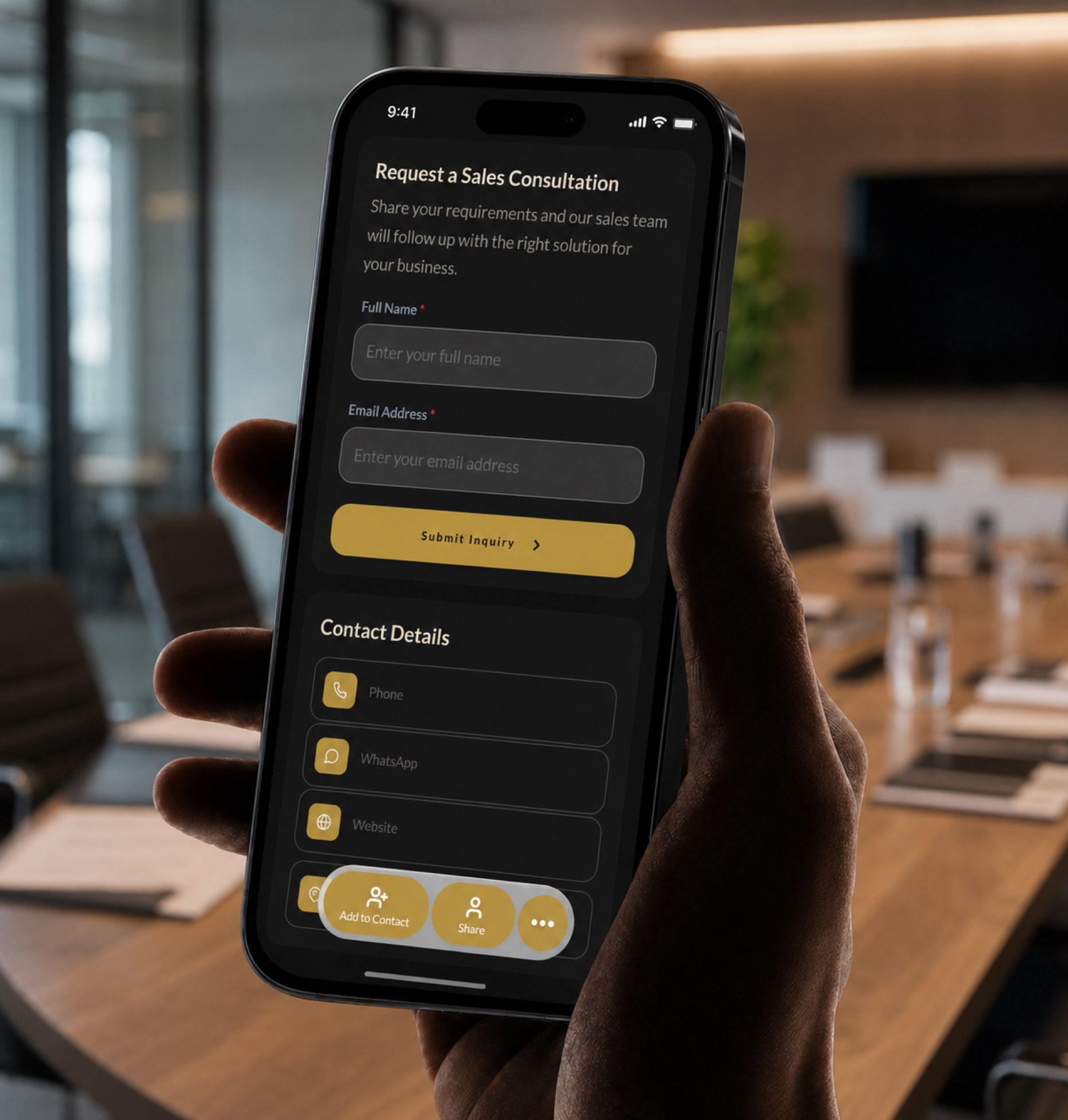
Add a short form to your digital business card so prospects can share the right details upfront.
Help your team qualify interest, personalize follow-up, and route prospects to the right sales process faster.
Digital Business Card PRO helps sales executives and teams create professional digital profiles built for follow-up, meetings, resource sharing, and brand consistency.
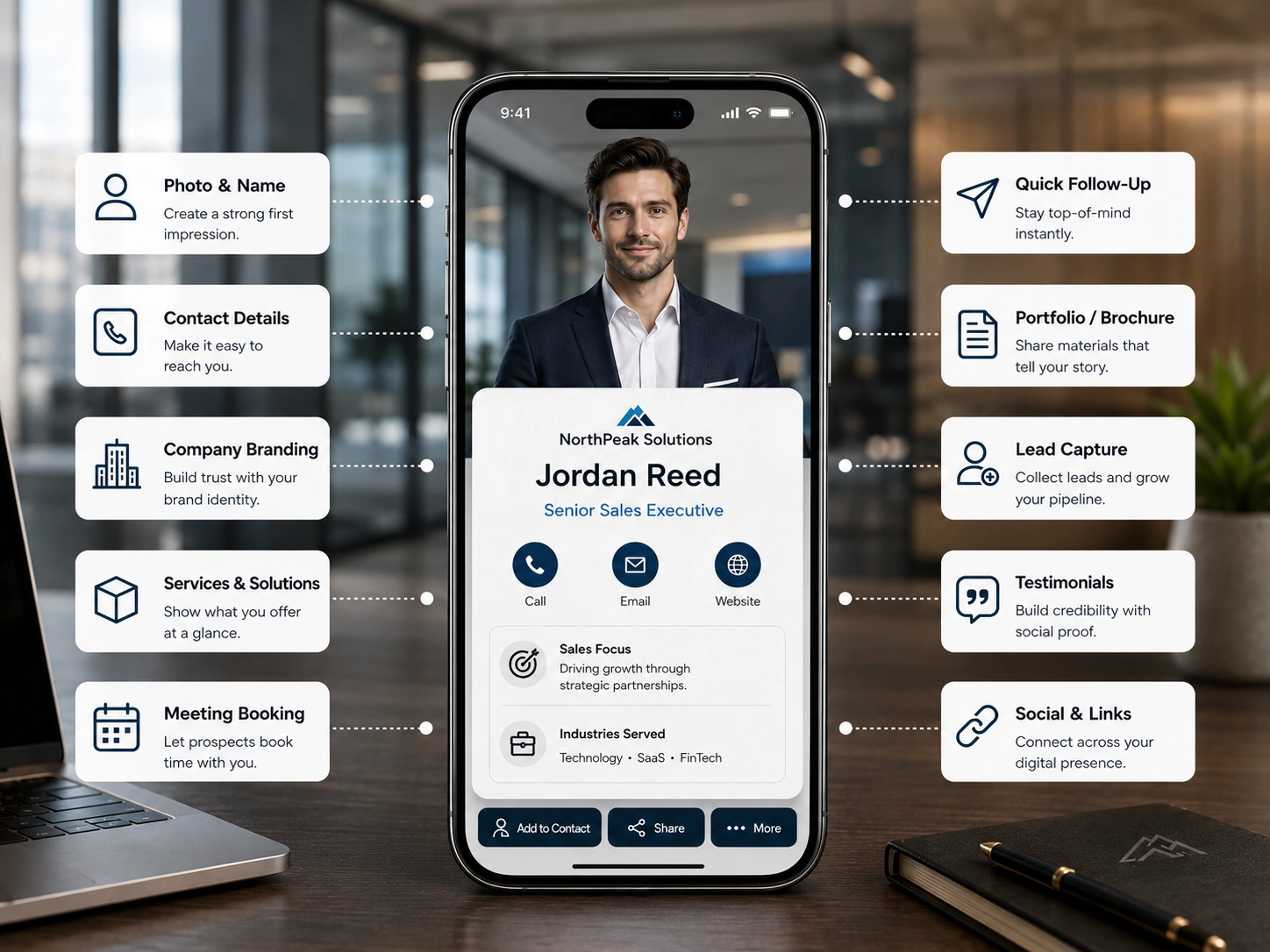
Create cards that combine contact details, meeting links, demo requests, sales collateral, proof points, and follow-up forms in one place.
Add forms for demo requests, discovery calls, event leads, pricing inquiries, partnership interest, and consultation requests.
Keep logos, colors, employee details, approved messaging, core links, and sales resources consistent across AEs, SDRs, BDRs, and field teams.
Track profile views, QR scans, meeting clicks, resource clicks, demo requests, form submissions, and event engagement signals to prioritize follow-up.
Your digital business card can do more than share contact details. Add a sales form so prospects can request a demo, share their needs, or ask for the right resource without waiting for another email.
Use forms for demo requests, pricing inquiries, consultation requests, event follow-ups, and sales qualification.
Your digital business card works across every touchpoint where prospects meet, evaluate, and reconnect with you.
Whether you work independently or lead large teams, Digital Business Card.Pro adapts to how your industry connects and grows.
Make it easier for prospects to remember you, access the right resources, and take the next step after every sales conversation.
A sales executive should include contact details, job title, company name, LinkedIn profile, meeting booking link, demo request option, product resources, case studies, testimonials, region, industry focus, and follow-up form.
It gives prospects one place to save your contact details, book a meeting, review resources, and submit their requirements. This reduces friction and helps sales reps follow up with more context.
A sales form should collect name, business email, company name, job title, industry, company size, product interest, use case, buying timeline, budget range, preferred meeting time, and message.
Account executives can use digital cards to share case studies, pricing links, proposal resources, meeting links, customer stories, demo options, and product collateral during active sales conversations.
SDRs and BDRs can use digital cards to share company information, schedule discovery calls, collect prospect context, qualify interest, and continue conversations after outbound outreach or events.
At trade shows, reps can share one QR code that lets prospects save contact details, request a demo, access product resources, and submit interest before the conversation is forgotten.
Useful resources include product brochures, demo videos, sales decks, case studies, customer stories, pricing pages, comparison pages, security documents, implementation guides, and request-a-demo links.
Sales leaders can standardize logos, colors, titles, employee details, messaging, approved sales links, and resource sections across cards for account executives, SDRs, BDRs, and field teams.
Sales teams should track profile views, QR code scans, meeting clicks, demo requests, resource clicks, form submissions, event source engagement, and repeat visits from prospects.
Sales executives can share it at trade shows, conferences, prospect meetings, customer visits, LinkedIn conversations, partner introductions, virtual meetings, email signatures, and follow-up emails.