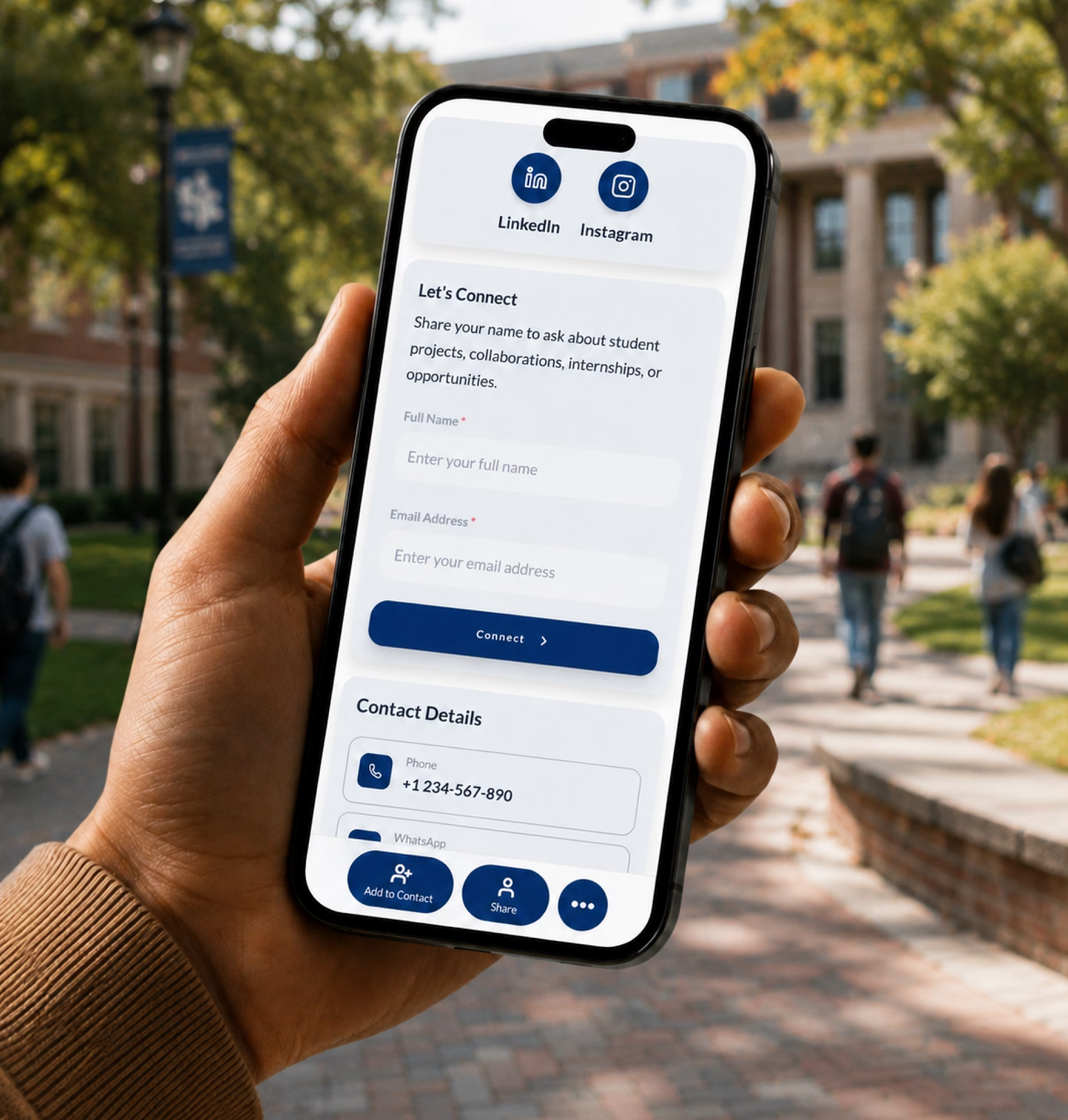
Make quick conversations count
Use your card at career fairs, placement drives, workshops, alumni events, and startup meetups so people can save your profile quickly.

Share your resume, projects, portfolio, LinkedIn, skills, achievements, and contact details from one career-ready student profile.
As a student, your projects, coursework, internships, competitions, certifications, and curiosity can tell a strong story when they are easy to find and review.
Use your card at career fairs, placement drives, workshops, alumni events, and startup meetups so people can save your profile quickly.
Link projects, portfolios, GitHub, Behance, Dribbble, Notion, research papers, writing samples, product demos, and certifications.
Update your resume, skills, projects, certifications, internship availability, and links anytime as your student profile grows.
Your student card should quickly explain who you are, what you are learning, what you can do, and how someone can follow up.
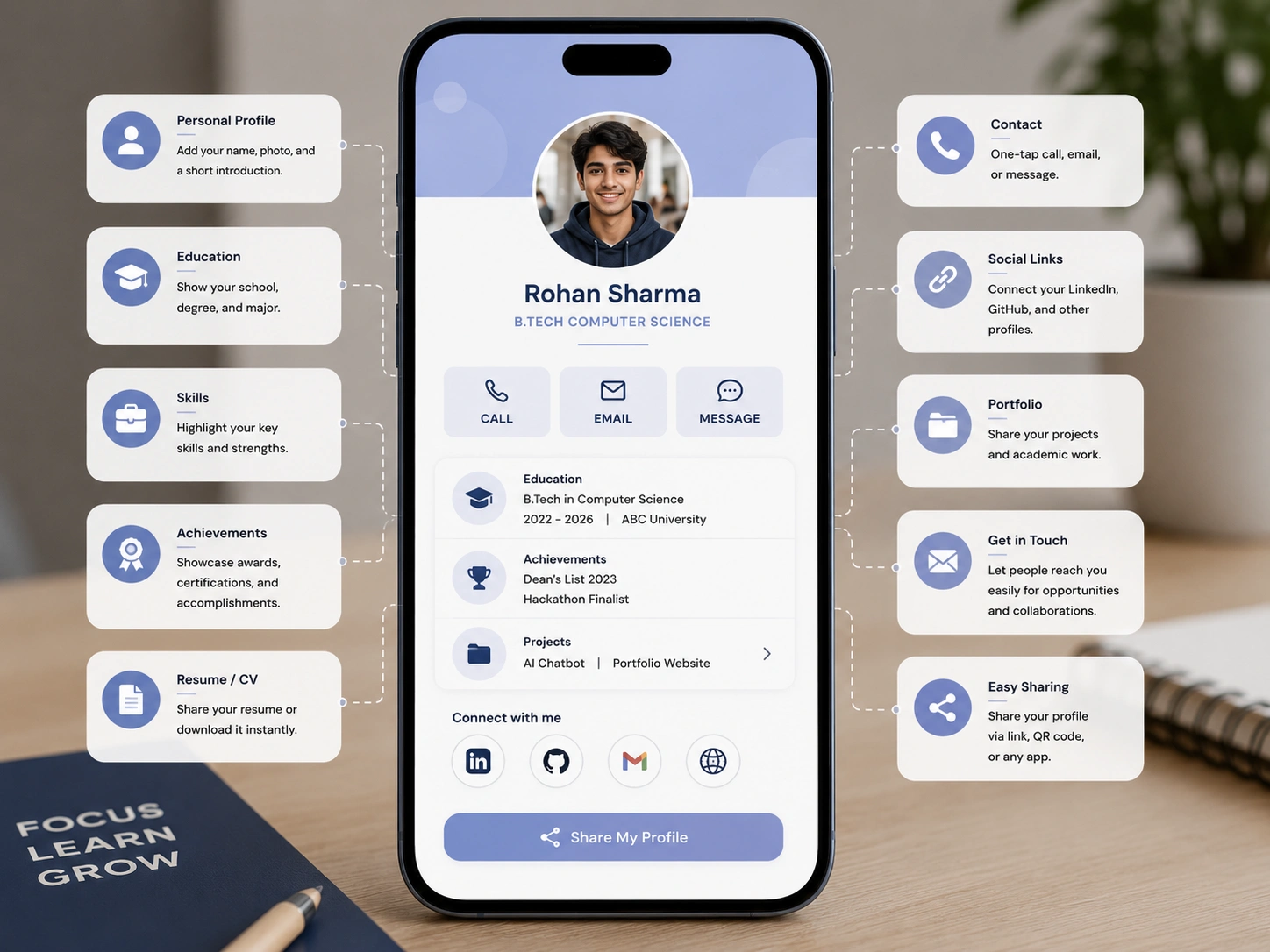
A paper resume helps you introduce yourself once. A digital business card helps people revisit your work, explore your projects, connect with you, and follow up later.
| Feature | Paper resume or card | Digital business card |
|---|---|---|
| Shares contact details | ||
| Links to updated resume | ||
| Shows projects and case studies | ||
| Links GitHub, Behance, Dribbble, Notion, or website | ||
| Adds video introduction | ||
| Supports career fairs and campus placements | ||
| Updates skills and links anytime | ||
| Tracks profile views, scans, and clicks |
Students often meet the right people before they feel fully ready. A digital card helps you make the most of those moments with one simple follow-up path.
Add your QR code to printed resumes, folders, event badges, or your phone so recruiters can scan your profile quickly.
Share GitHub repos, demo videos, pitch decks, project pages, and team work with judges, mentors, sponsors, and collaborators.
Design, writing, coding, marketing, architecture, media, and research students can bring their best work into one clean profile.
Share your card with alumni, professors, speakers, founders, and mentors so they can understand your interests and stay connected.
Your card helps you present what you do have: academic projects, coursework, certifications, hackathon work, volunteer experience, club roles, competitions, writing samples, research, and personal projects.
The goal is not to pretend you are more experienced than you are. The goal is to make your effort, skills, interests, and potential easier to see.
Every student has a different career path. Your digital card should reflect the opportunities you are working toward.
Share your degree, major, graduation year, resume, skills, projects, LinkedIn, achievements, and internship availability.
Create a focused profile with your resume, portfolio, relevant coursework, projects, certifications, availability, and contact details.
Use your card during placements, interviews, networking events, alumni conversations, and job applications.
Share Behance, Dribbble, Figma files, case studies, visual portfolios, design challenges, and creative projects.
Link GitHub, project demos, hackathon builds, coding profiles, technical blogs, open-source work, and certifications.
Share case studies, campaign work, presentations, internship experience, writing samples, LinkedIn, certifications, and decks.
Link research papers, posters, publications, academic profiles, lab work, presentations, recommendations, and conference submissions.
Share YouTube, Instagram, TikTok, newsletters, blogs, podcasts, media kits, collaborations, portfolios, and contact links.
Students often share different links depending on the situation: resume, LinkedIn, GitHub, portfolio, Notion page, Behance, personal website, certification folder, or project demo. Your card brings the important ones together.
Give recruiters, mentors, alumni, professors, founders, and collaborators one easy place to review your resume, work, skills, and contact details.
Digital Business Card PRO helps students create professional, easy-to-share profiles for internships, career fairs, campus placements, portfolio reviews, networking, and early career opportunities.
Create a polished profile with your name, photo, college, degree, graduation year, resume, projects, portfolio links, LinkedIn, skills, and achievements.
Add GitHub, Behance, Dribbble, Notion, websites, writing samples, research papers, case studies, demo videos, and certifications.
Share through a QR code, NFC card, direct link, Wallet Pass, printed resume, email signature, LinkedIn, campus badge, or presentation slide.
Track profile views, QR scans, resume clicks, portfolio clicks, GitHub clicks, LinkedIn clicks, project clicks, video clicks, and contact actions.
Your digital business card works across places where students meet recruiters, mentors, peers, alumni, professors, and collaborators.
Whether you work independently or lead large teams, Digital Business Card.Pro adapts to how your industry connects and grows.
Make it easier for recruiters, mentors, alumni, professors, founders, and collaborators to understand who you are, see your work, and follow up after meeting you.
A digital business card for students is an online student profile that includes your resume, projects, portfolio, LinkedIn, skills, achievements, certifications, video introduction, and contact details. You can share it through a QR code, NFC card, direct link, printed resume, email signature, event badge, social bio, or Wallet Pass.
Students should include their name, photo, college or university, degree, major, graduation year, email, LinkedIn, resume, portfolio, projects, GitHub or creative links, skills, certifications, achievements, internship availability, and contact details.
Yes. You can add your digital card link to internship applications, resume headers, cover letters, email signatures, LinkedIn messages, and recruiter follow-ups so hiring teams can view your resume, projects, and contact details from one profile.
Yes. You can link your resume, portfolio, personal website, case studies, project demos, writing samples, research papers, presentations, or creative work.
Yes. You can link GitHub, Behance, Dribbble, Notion, LinkedIn, Medium, YouTube, personal websites, coding profiles, design portfolios, research profiles, or any other useful student profile.
Yes. You can link to a short video introduction from YouTube, Google Drive, Loom, Vimeo, your portfolio, or any other hosted video page. Keep it short, clear, and relevant to the role or opportunity you want.
Yes. You can place the QR code on printed resumes, folders, event badges, portfolio pages, presentation slides, or your phone so recruiters can scan and save your profile during career fairs and placement drives.
Yes. Adding your digital card QR code or link to a printed resume helps recruiters access your latest resume, projects, LinkedIn, portfolio, and contact details even after the event.
Yes. You can use your card to show academic projects, coursework, certifications, hackathon work, volunteer experience, club roles, competitions, writing samples, research, or personal projects. Students can stand out by presenting proof of effort and potential.
Yes. You can update your resume, projects, skills, certifications, portfolio links, LinkedIn, availability, and contact details anytime without changing your QR code.
Useful signals include profile views, QR scans, resume clicks, portfolio clicks, GitHub clicks, LinkedIn clicks, project clicks, video introduction clicks, email clicks, and contact form submissions.
Yes. You can keep updating your card after graduation as you move into internships, full-time roles, freelance work, research, entrepreneurship, or professional networking.